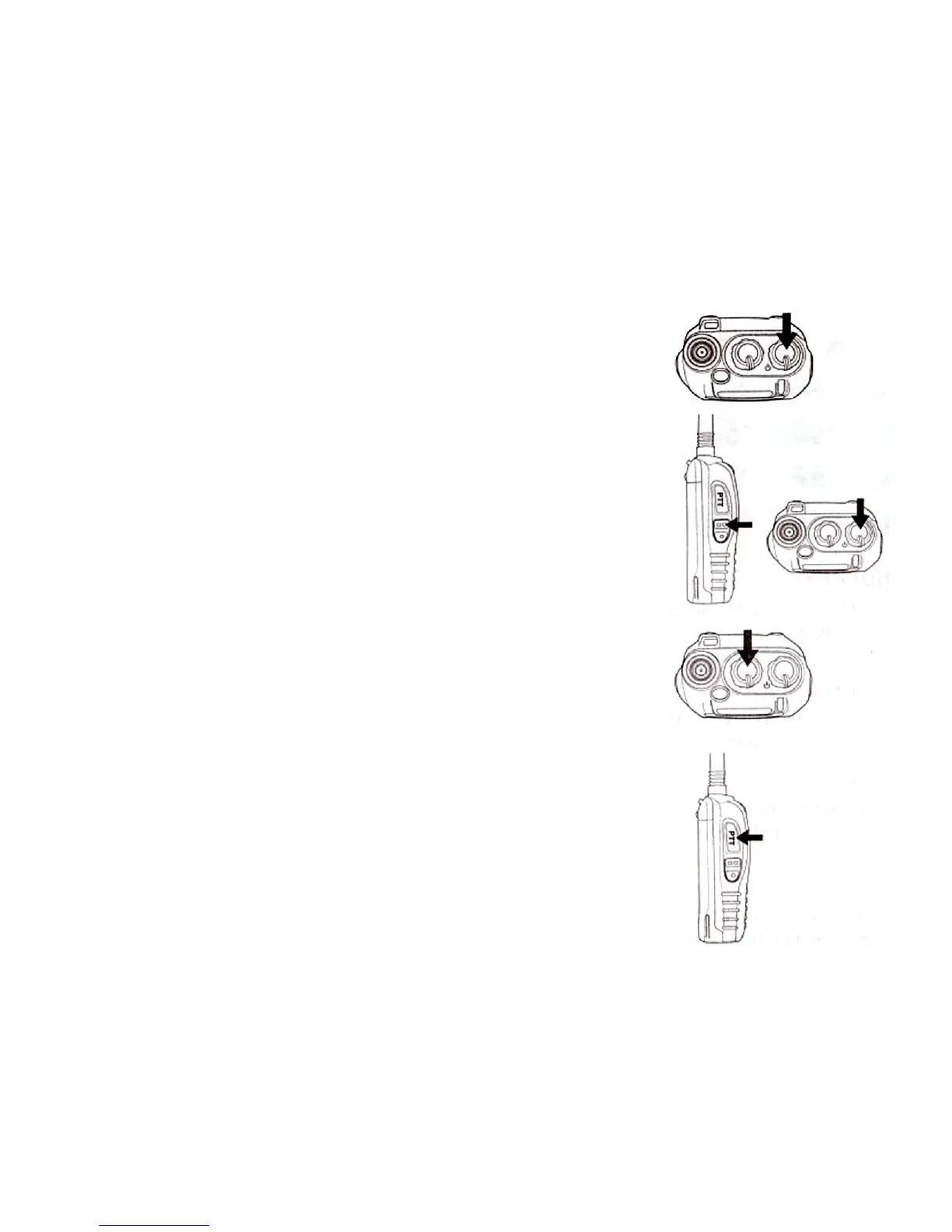
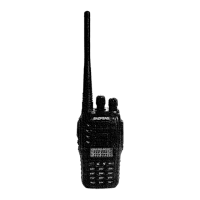
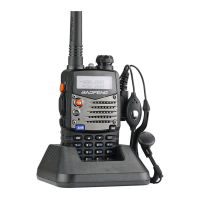
- Make sure the antenna and battery are installed
correctly and the battery charged.
- Rotate the knob clockwise to turn the radio on, and
rotate the knob fully counter-clockwise until a “click” is
heard to turn the radio off.
VOLUME CONTROL
Press and hold the MONI button, then rotate the knob
clockwise or counter-clockwise, to adjust the volume.
SELECTING A FREQUENCY OR CHANNEL
Press the key [UP] or [DOWN] to select tie desired
frequency/channel you want. Also you may directly
enter the numeric to select frequency/channel. The
display shows the frequency / channel selected.
Note:
- You cannot select a channel if not previously stored.
TRANSMITTING
- To transmit, press and hold [PTT] and speak into the
microphone in your normal tone of voice. The LED
indicator lights continuously red when transmitting.
- To maximize sound clarity at the receiving station,
hold the transceiver 2 to 3 inches from mouth and talk
in normal tone of voice.
- Release [PTT] to receive.


 To Next Page