ADVANCED OPERATION
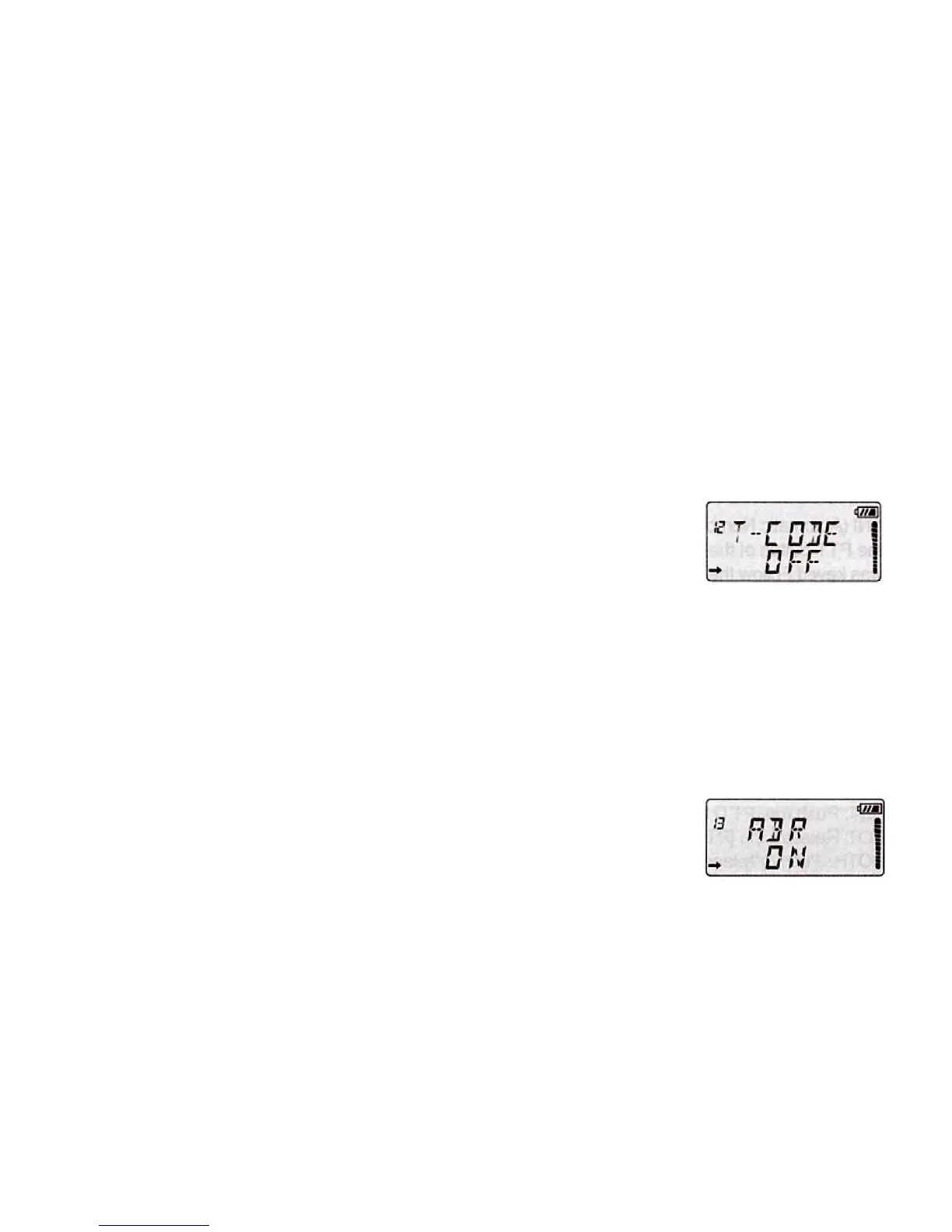
12. SUBTONES/CODES FOR TRANSMITTING "TCODE"
In some cases only want to establish communications in a closed user group at a
particular frequency or channel, for it will use "CTCSS" or code "DCS" for
transmission. The "squelch" opens only when transmitting a frequency with "CTCSS"
or codes "DCS" same as the programmed in your transceiver. If codes of the
transmitted signal differs from those programmed in you transceiver, the "squelch"
will not open and the received signal can be heard. Do as following steps to set:
1. Press the [MENU], then press [UP]/[DOWN] to select the Menu 12 "TCODE".
2. Press [AB/], then press [MENU] to select CTCSS, DCS, OFF.
3. Press [UP]/[DOWN] to set parameter.
4. Press [AB/] to save the setting.
5. Press [MENU] or any numeric key to exit.
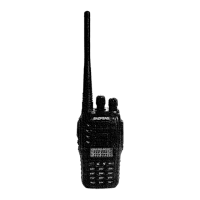
13. DISPLAY ILLUMINATION "ABR"
This transceiver incorporates a display illumination from light for use in low ambient
light. There are two lighting options:
ON: The display and keypad lights up when you press any key.
OFF: The illumination will remain always off.
To select the type of lighting desired, follow the steps below:
1. Press the [MENU], then press [UP]/[DOWN] to select the Menu 13 "ABR".
2. Press [AB/], then press [UP]/[DOWN] to select OFF/ON.
3. Press [AB/] to save the setting.
4. Press [MENU] or any numeric key to exit.
14. SENDING SIGNAL CODE "PTT ID"
This transceiver comes with encoding ability. When pressing the PTT to send signal
code, the other transceiver with coding ability will know who you are.


 To Next Page