ADVANCED OPERATION
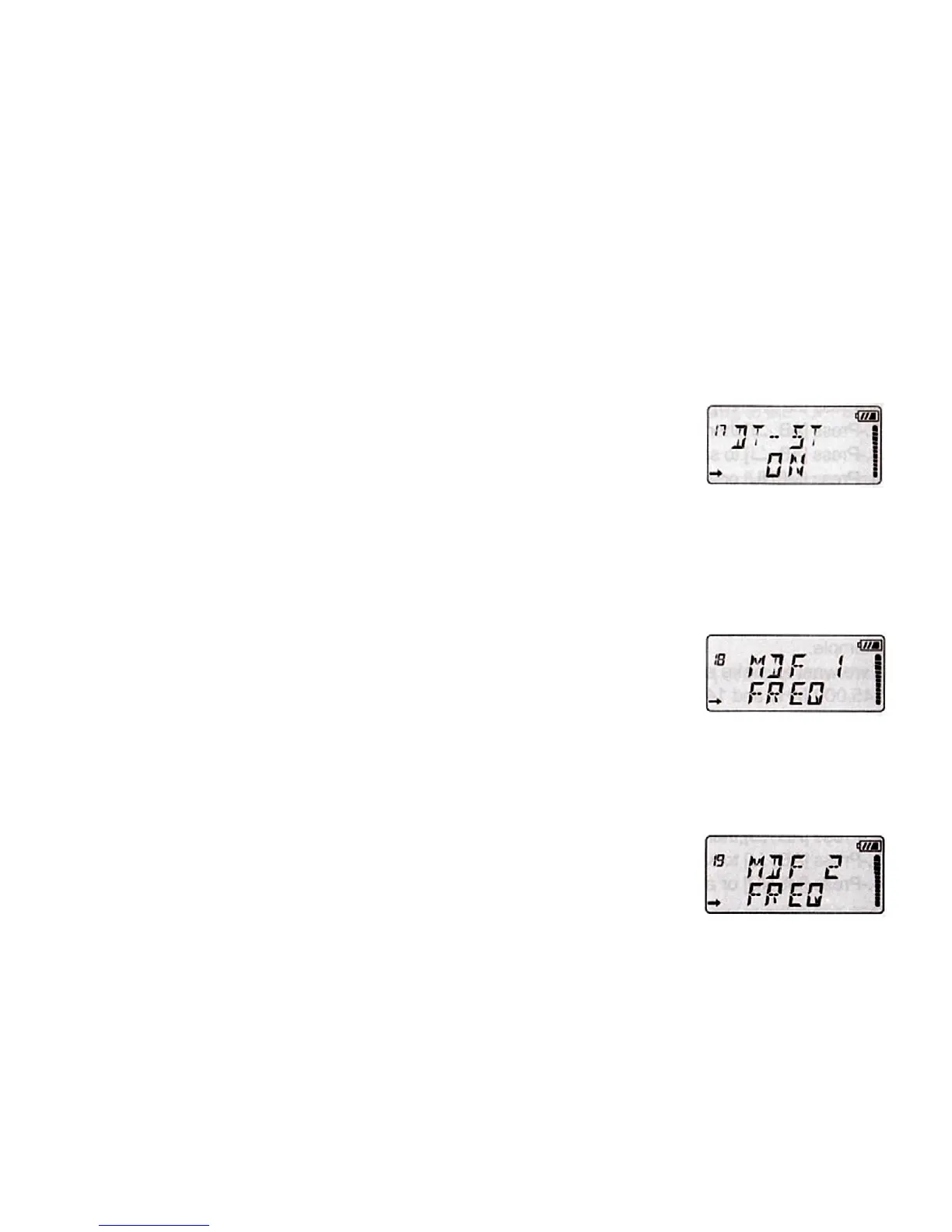
17. DTMF TONE "DTST"
Under transmitting code, you can hear the DTMF tone, if you set "DTST" as ON.
Please do as follows:
1. Press the [MENU], then press [UP]/[DOWN] to select the Menu 17 "DTST".
2. Press [AB/] then press [UP]/[DOWN] to select OFF/ON.
3. Press [AB/] to save the setting.
4. Press [MENU] or any numeric key to exit.
18. DISPLAY OF FREQUENCY 1 "MDF1"
Under channel mode, you may have your favorite display NAME/CHAN/FREQ.
Please do as following steps:
1. Press the [MENU], then press [UP]/[DOWN] to select the Menu 18 "MDF1".
2. Press [AB/], then press [UP]/[DOWN] to select FREQ/CHAN/NAME.
3. Press [AB/] to save the setting.
4. Press [MENU] or any numeric key to exit.
19. DISPLAY OF FREQUENCY 2 "MDF2"
Under channel mode, you may have your favorite display NAME/CHAN/FREQ.
Please do as following steps:
1. Press the [MENU], then press [UP]/[DOWN] to select the Menu 19 "MDF2".
2. Press [AB/], then press [UP]/[DOWN] to select FREQ/CHAN/NAME.
3. Press [AB/] to save the setting.
4. Press [MENU] or any numeric key to exit.
20. BUSY CHANNEL LOCKOUT "BCL"
This function disables the transmission when the transceiver is receiving a signal in
the selected frequency or channel, in order not to interfere with communication.


 To Next Page