ADVANCED OPERATION
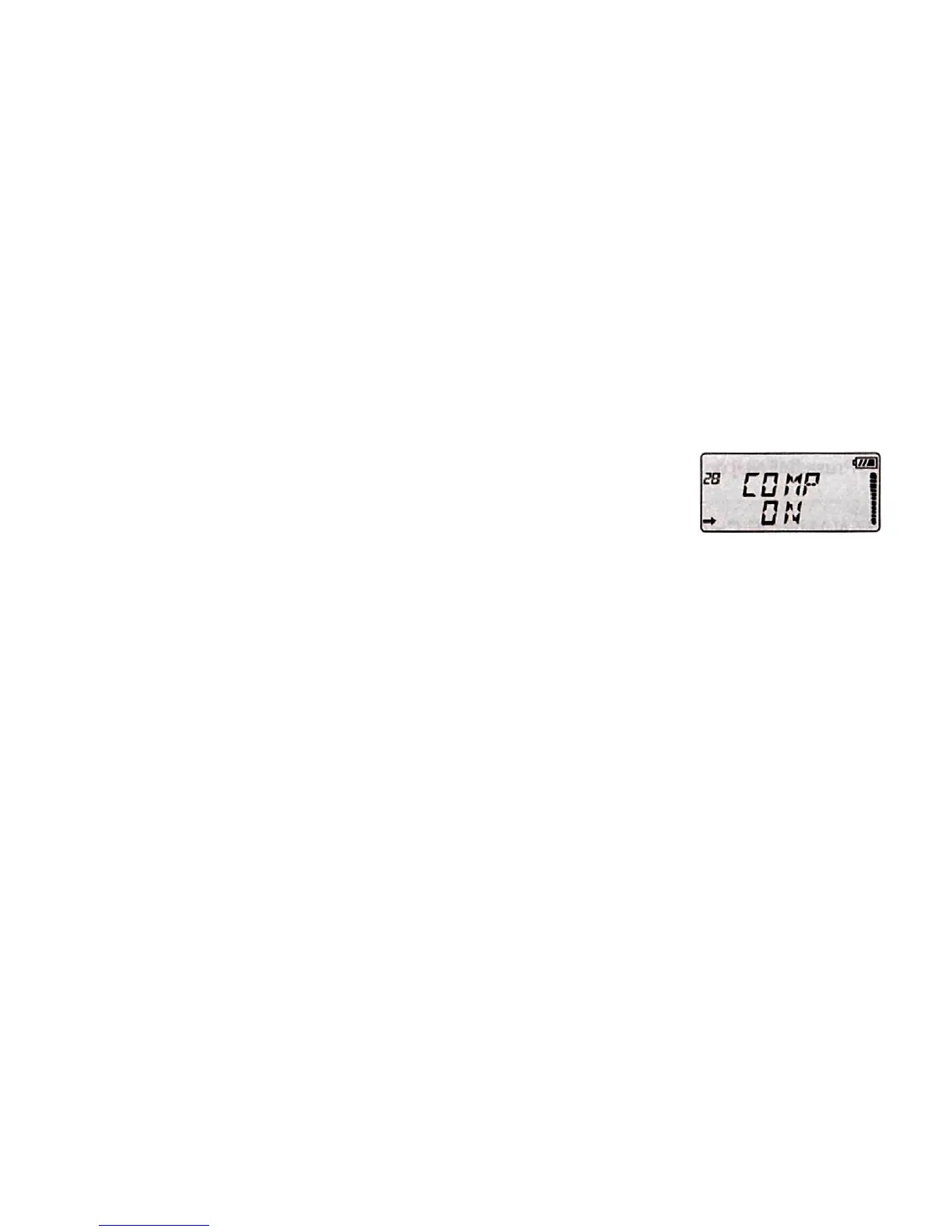
29. AUDIO COMPANDING "COMP"
Audio companding technology compresses the transmission signal availably and
then expand the signal at the receiving terminal. So decrease the background noise,
increase the talk quality.
Follow the steps below to enable or disable this feature:
1. Press the [MENU], then press [UP]/[DOWN] to select the Menu 29 "COMP".
2. Press [AB/], then press [UP]/[DOWN] to select ON/OFF.
3. Press [AB/] to save the setting.
4. Press [MENU] or any numeric key to exit.


 To Next Page