K5905271 /16 Display Controller
39
5.12.2 Operation
Using SmartCursor
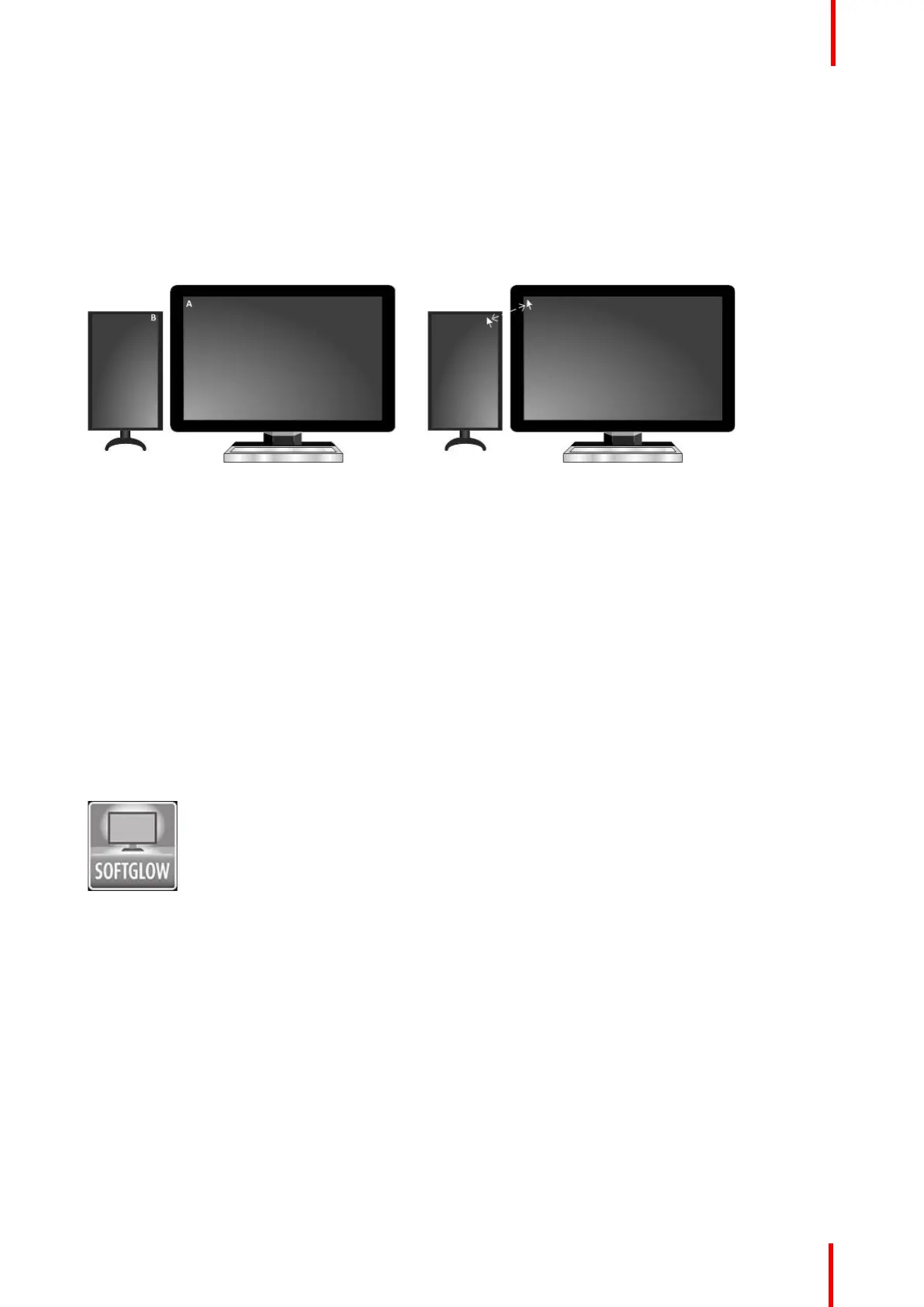
The SmartCursor operation in illustrated in Image 5-14.
Consider two points, A and B, on two displays of different sizes. Without SmartCursor, the cursor cannot move
left from point A because it will be stuck on that edge. With SmartCursor, moving the cursor left from point A
will move the cursor to point B. For symmetry, with SmartCursor moving to the right from point B, the cursor
will appear back at point A.
Image 5-14: SmartCursor moving left from point A and right from point B.
5.12.3 Configuration
Configuring SmartCursor
Enable: Click on this checkbox to turn SmartCursor on or off.
5.13 SoftGlow™
5.13.1 Description
Overview
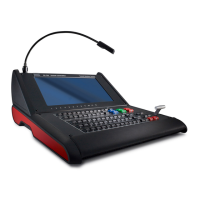
Select Barco Coronis displays support SoftGlow. It consists of a task light, which sheds a light on the desktop,
and a wall light, which provides ambient lighting for the reading room to reduce eye fatigue. The brightness of
each is configurable.
Image 5-15
Supported display controllers
When driven by an MXRT-x400 or later display controller, SoftGlow can be configurated on MDMC-12133,
MDCC-6530, and MDCC-4430 displays.
5.13.2 Operation
Using SoftGlow
The task and wall lights will be set to the SoftGlow settings when the user has logged on to the Barco display
system.
Driver and Intuitive Workflow Tools



 To Next Page