29
Instructions For Use
7 Calibrating the Internal Battery
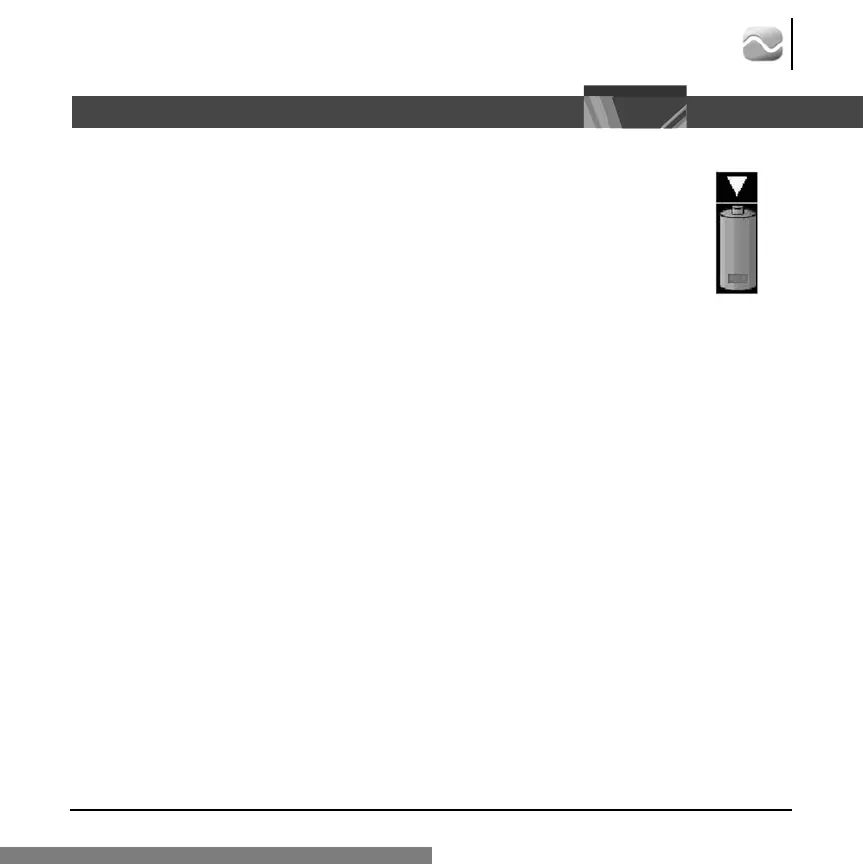
The Site~Rite 5 internal battery may occasionally require calibration to ensure the battery
power meter is accurate. The following icon indicates that the Site~Rite 5 battery requires
calibration.
To calibrate the Site~Rite 5 Internal Battery:
1. Disconnect all Site~Rite 5 power sources.
2. Power on the Site~Rite 5 scanner and operate on internal battery power until the system
powers off.
3. Connect the Site~Rite 5 scanner to the Site~Rite 5 combination A/C adapter and battery charger to
recharge the internal battery.
Note:
At least six hours of charge time is recommended to fully charge the Site~Rite 5 internal battery.
4. Disconnect all Site~Rite 5 power sources.
5. Power on the Site~Rite 5 Ultrasound System and operate on internal battery power until the system
powers off.
Note: The internal battery is now calibrated.
6. Connect the Site~Rite 5 scanner to the Site~Rite 5 combination A/C adapter and battery charger to
recharge the internal battery and continue normal use.








 To Next Page