15
2.4.3. SD Flash Card
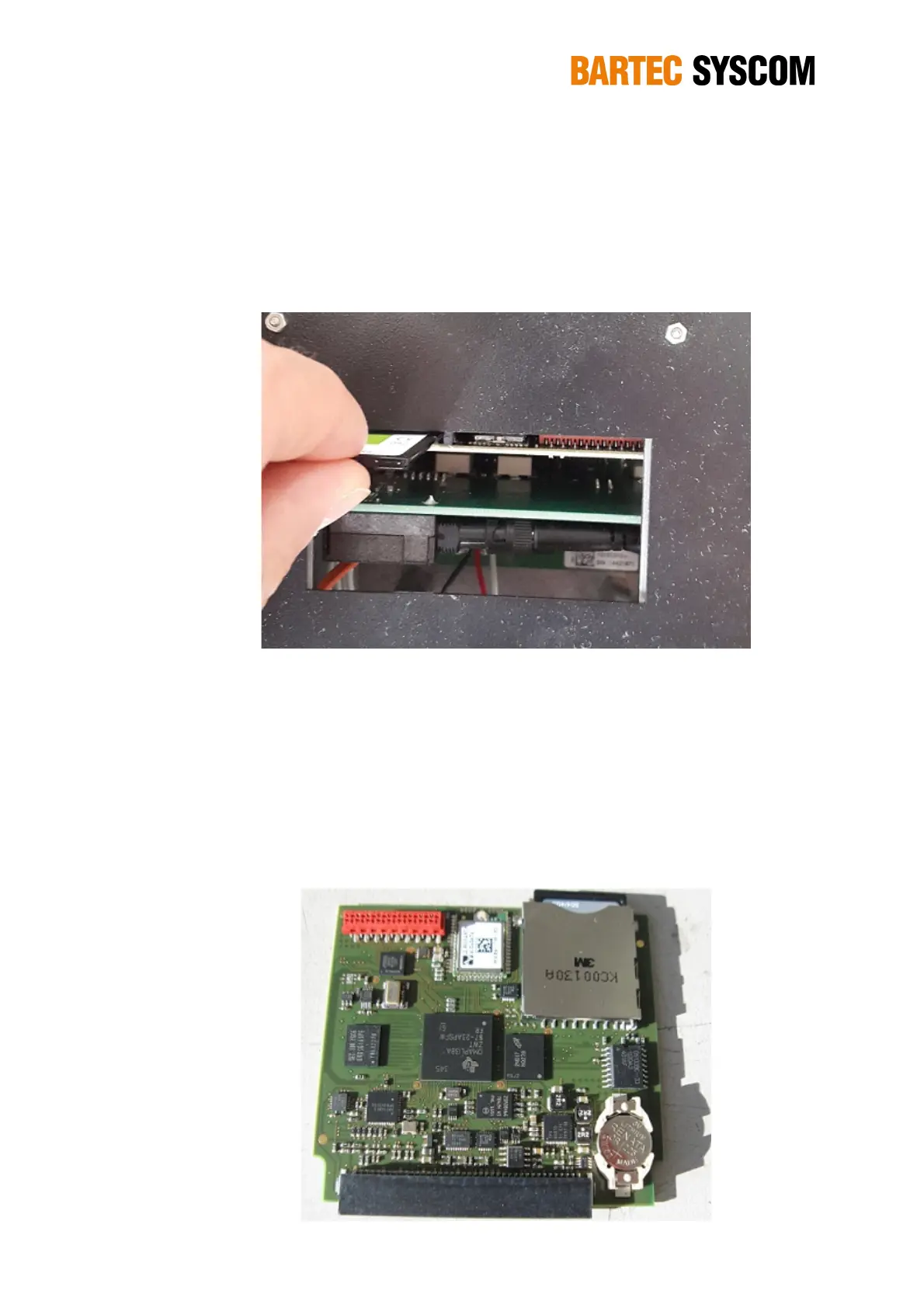
The MR3000DMS contains an SD-card slot. The SD Flash Card in this slot is used to store the
recordings. To remove the card, you have to push it down, it will then pop-up.
NOTE: Ensure the MR3000DMS is turned off before removing and re-inserting the SD Card.
Figure 2.4.4. Inserting the SD Card from the MR3000DMS.
Inserting the SD Card in the card-reader of your PC allows you a fast access to all the data of the
DMS. If you have copied all the data, you can format the SD Card.
2.4.4. Real-time clock with internal backup-battery
The DMS is equipped with a real-time clock with back-up battery, located on the main board at the
lower right end. Even if the DMS is switched off, the clock continues working.
Figure 2.4.5. The internal Lithium battery. Replacement by the user is possible without any special tool.



 To Next Page