60
5.4 User Parameters
In this part you set-up the parameters related to Alerting and the general parameters that are not
related to data acquisition.
5.4.1. General
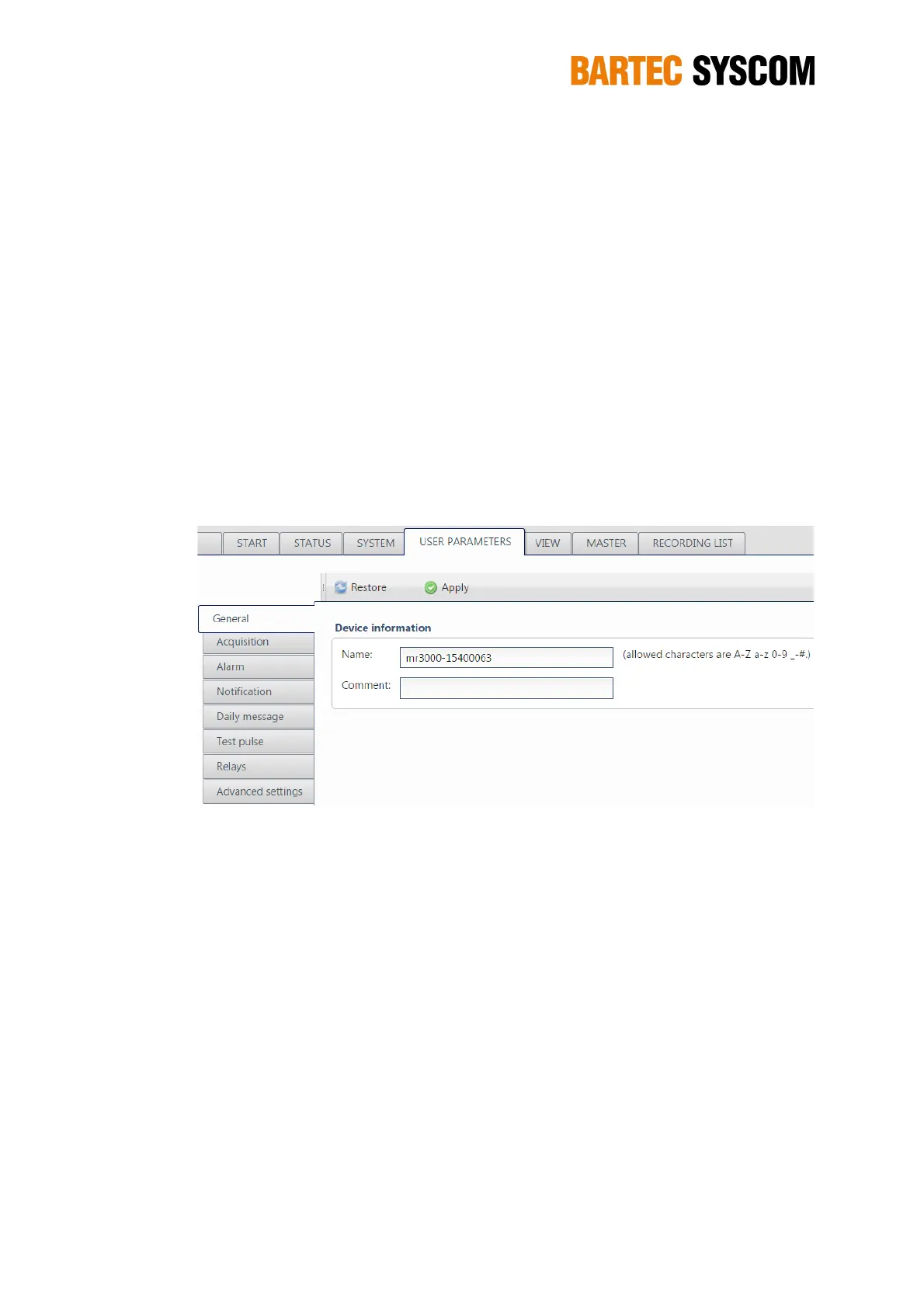
Here you can modify the Name (ID) of the DMS (by default mr3000, followed by a dash and the
serial number UID of the DMS) and the Comment string.
The Name may be used as the root-directory for the FTP service. No special characters and
no spaces are allowed for the Name. The Name is written in the Header of each XMR /
BMR file.
The Comment string should describe the location of the DMS. It is intended to be included
in the alarm messages. Special characters are allowed.
Figure 5.4.1. Subsection dedicated to general information about the device.
5.4.2. Acquisition
You may override the default setting for Sampling rate and choose a higher sampling rate. You
may also record the unfiltered data – keep in mind that there is always an anti-aliasing filter, cutting
off the frequency contents above 80 % of Nyquist frequency (= half of the sampling rate).
NOTE: Higher sampling rates accumulate more data and create larger files.
In the MR3000DMS there is a band-pass trigger filter on the data between 0.5 and 15 Hz. This
means that en event is created only if both the conditions are fulfilled:
• the trigger level is exceeded;
• the peak is associated to a frequency in the range 0.5 – 15 Hz.
NOTE: Values exceeding the trigger threshold do not necessarily lead to an event
creation.



 To Next Page