52
NOTE: The quality of the mail service varies with the provider.
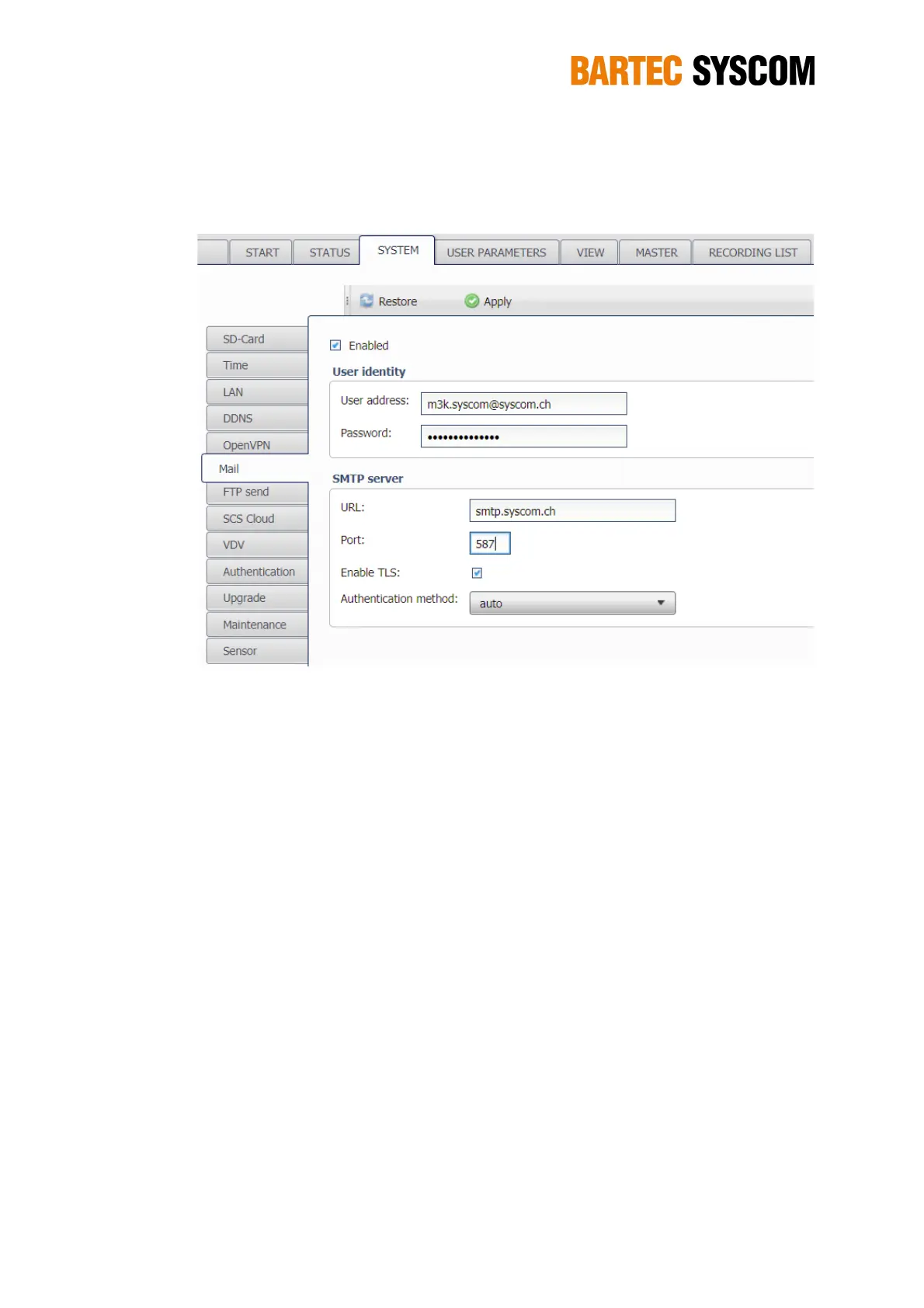
Figure 5.3.6. Subsection dedicated to the mail.
5.3.7. FTP send
If this service is enabled, the DMS will periodically connect to a remote FTP server and copy its
data to it. This feature has two main purposes:
a permanent backup — your data exist both on the DMS and the server.
a way to make the DMS data easily available, as the access to the data on the server is
much faster than to retrieve the data from the MR3000DMS.
First you have to set-up the access to your FTP server in the FTP server settings:
Host is the URL (e.g. myftphost.com) or the IP address of your FTP server (without the ftp://
prefix). You may add a specific sub-directory to the host name (e.g.
myftphost.com/mydir/mr) in this case, the DMS will create the corresponding sub-directory
on the FTP server.
Sub directory for this specific DMS. This directory is created below the main directory, as
set-up under Host. By default the Name of the DMS is used (see chapter 5.4.1),
alternatively you may use the UID (Serial number of the DMS – see chapter5.2) or you may
enter a specific directory name. The right choice depends on the setting of your FTP server.
Username is your login for this server
Password is used to authenticate the user on this server.
It is highly recommended to test your settings with the Test FTP server button. Your DMS needs
Internet access to perform the test.
The FTP send service has two options – both can be active:



 To Next Page