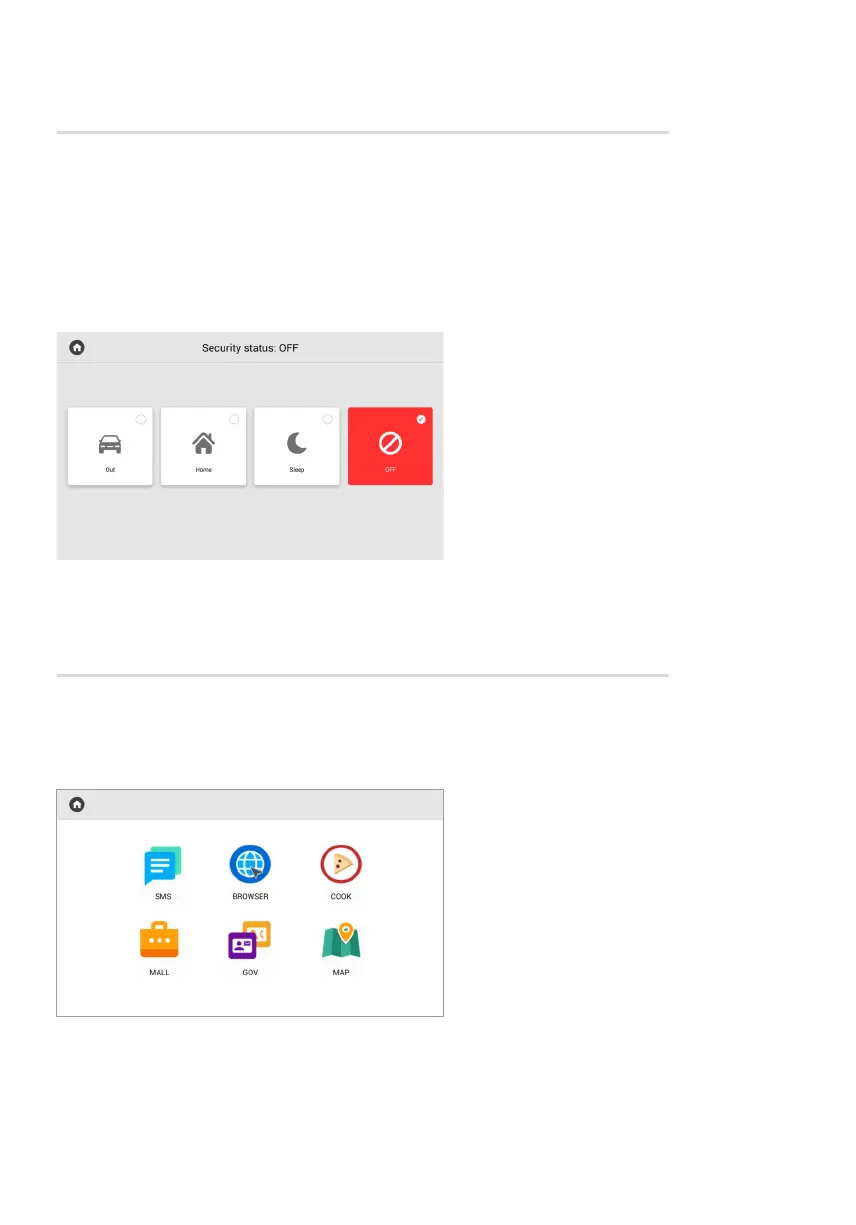
Security menu
In the menu, you can enable/disable previously configured alarm scenes.
There are 3 available scenes (Out, Home, Sleep) for various occasions.
In the monitor settings or web interface, you can enable sensors for each scene, and when
the active scene sensor is triggered, the alarm will turn on.
Services menu
This menu displays icons that open links in the built-in browser. You can set the desired links
for each icon in the monitor settings or in the web interface.



 To Next Page