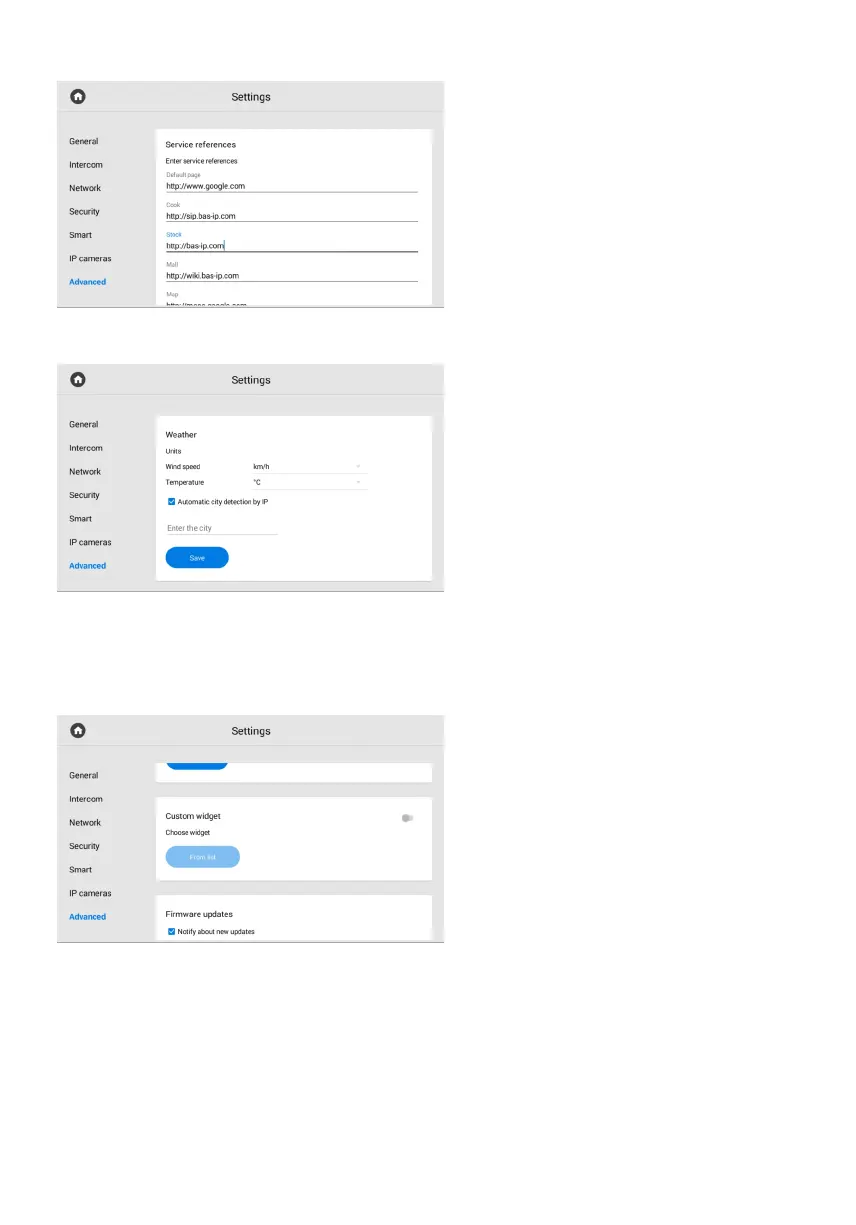
Service references
In this menu, you can enter links that will
be opened by pressing the corresponding
buttons in the Services menu.
Weather
The monitor supports several different
widgets. One of them is the weather
widget, the setting of which consists of:
wind speed units indication:•
km/h or m/h;
temperature units indication: °C or °F;•
enabling / disabling automatic city•
detection by IP address (if you have
access to the Internet) for the weather
display;
entering the city for the weather display.•
Custom widget
In addition to the weather widget,
the monitor supports third-party
application widgets that you can choose
in this section.
To display the selected
widgets on the main screen, you must:
Enable the custom widget feature.•
Press From the list button and select•
the desired widget from the available.



 To Next Page