26
3. DDR2 memory modules are not interchangeable with DDR and is DDR2 standard
is not backward compatible. You shall always install DDR2 memory modules in
the DDR2 memory slots.
4. To enable the system boot-up successfully, always inset the memory module into
the DMM_A1 slot first.
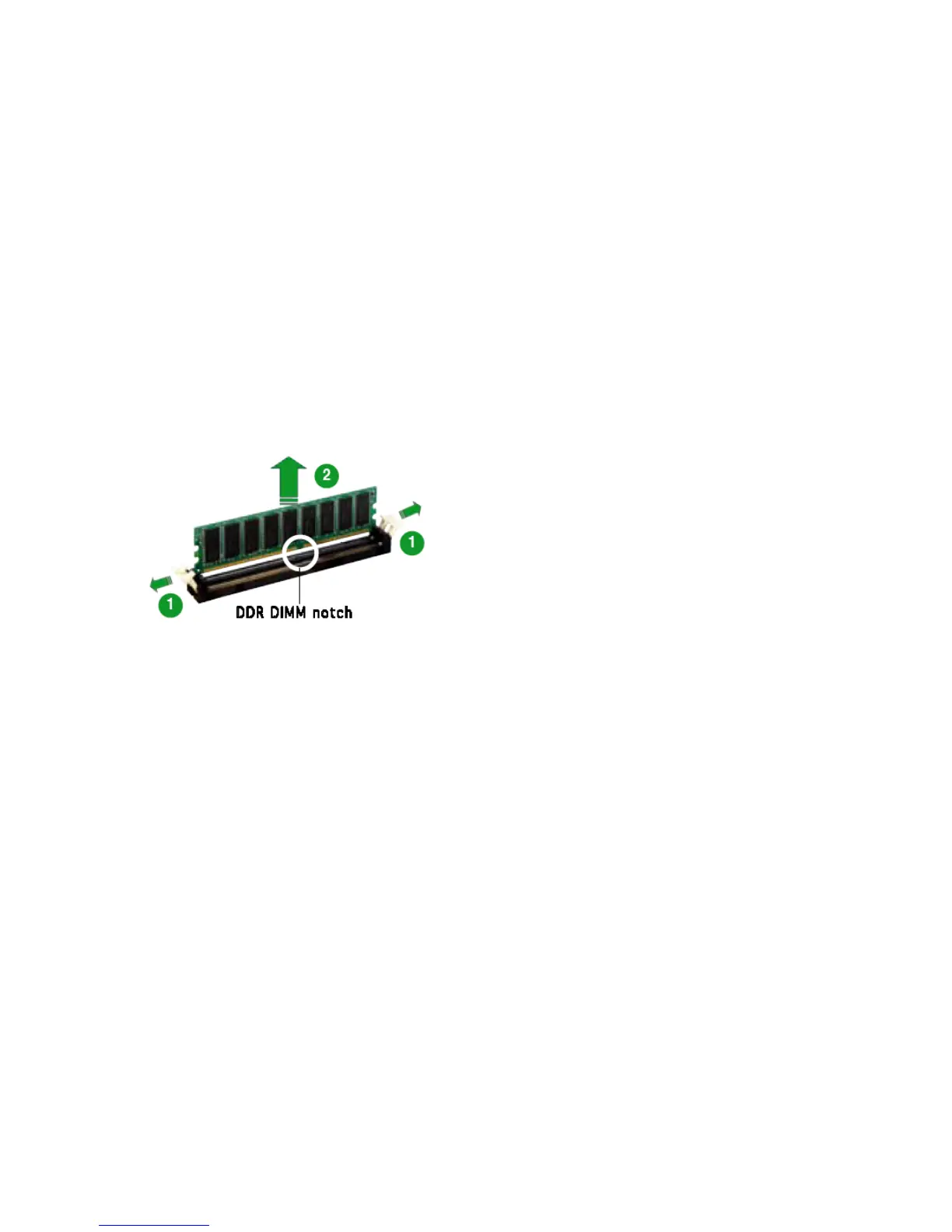
1.7.4 Removing a DIMM
Follow these steps to remove a DIMM.
1. Simultaneously press the retaining clips outward to unlock the DIMM.
2. Remove the DIMM from the socket.



 To Next Page