61
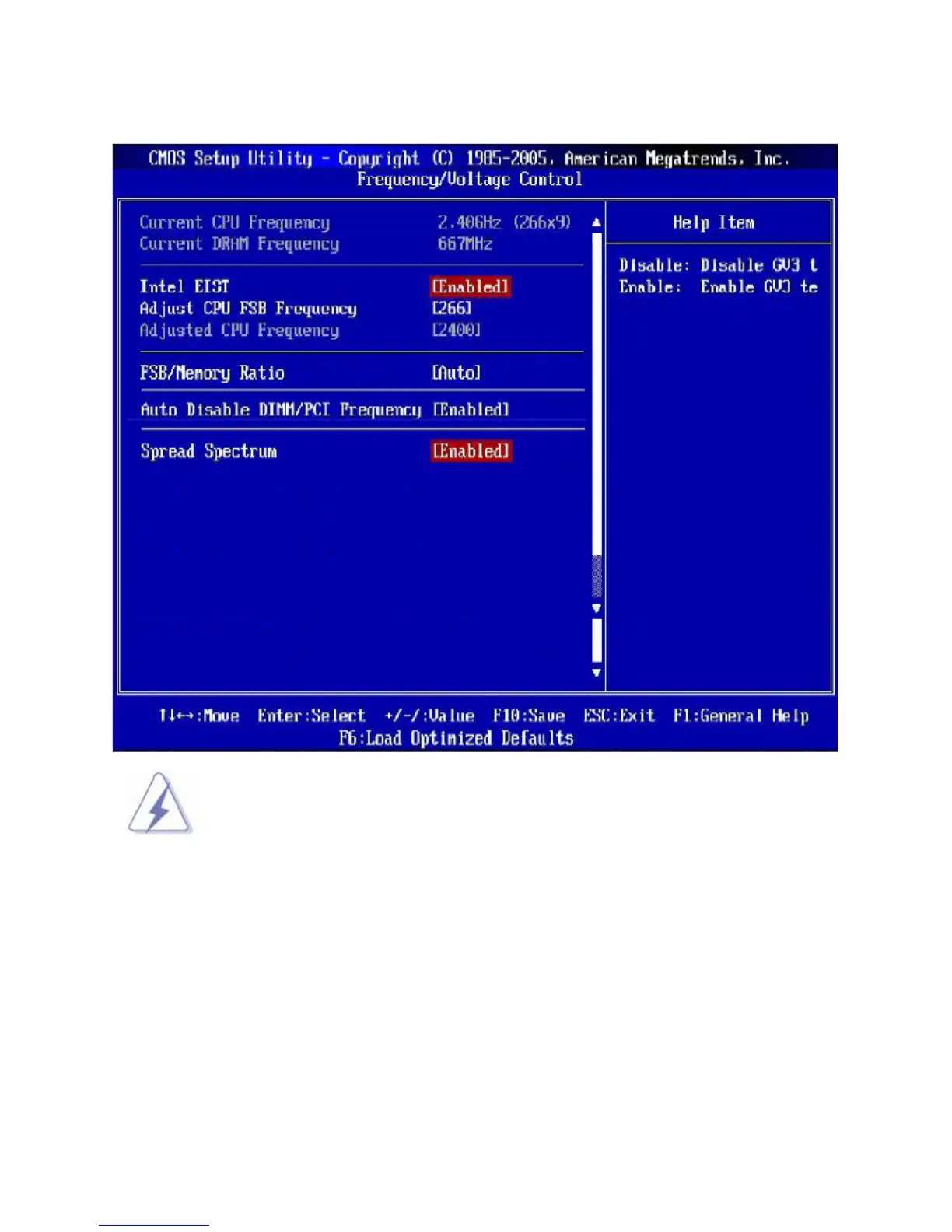
3.11 Frequency/Voltage Control
Change these settings only if you are familiar with the chipset.
• Current CPU/ DARM Frequency
These items show the current clocks of CPU and Memory speed. Read-only.
• Intel EIST
The Enhanced Intel SpeedStep technology allows you to set the performance level of the microprocessor
whether the computer is running on battery or AC power. This field will appear after you installed the CPU
which support speedstep technology.
• Adjust CPU FSB Frequency
This item allows you to select the CPU Front Side Bus clock frequency (in MHz) and overclock the
processor by adjusting the FSB clock to a higher frequency. Setting options: For CPU FSB200: [200]~[500]



 To Next Page