58
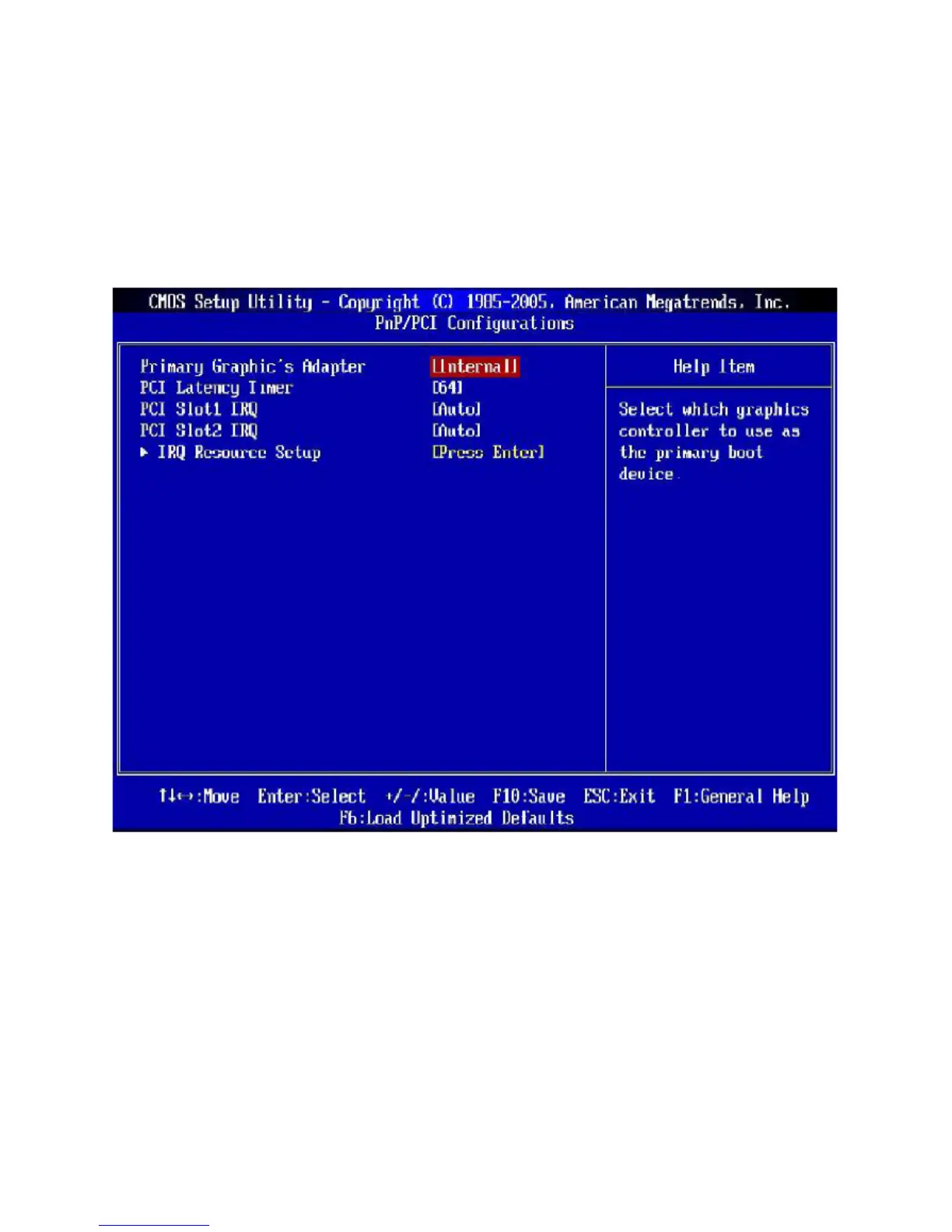
3.9 PnP/PCI Configurations
This section describes configuring the PCI bus system and PnP (Plug & Play) feature. PCI, or Peripheral
Component Interconnect, is a system which allows I/O devices to operate at speeds nearing the speed the
CPU itself uses when communicating with its special components. This section covers some very technical
items and it is strongly recommended that only experienced users should make any changes to the default
settings.
• Primary Graphic’s Adapter
This setting specifies which graphics card is your primary graphics adapter.
• PCI Latency Timer
This item controls how long each PCI device can hold the bus before another takes over. When set to
higher values, every PCI device can conduct transactions for a longer time and thus improve the effective
PCI bandwidth. For better PCI performance, you should set the item to higher values.
• PCI Slot 1/ 2 IRQ
These items specify the IRQ line for each PCI slot.



 To Next Page