44
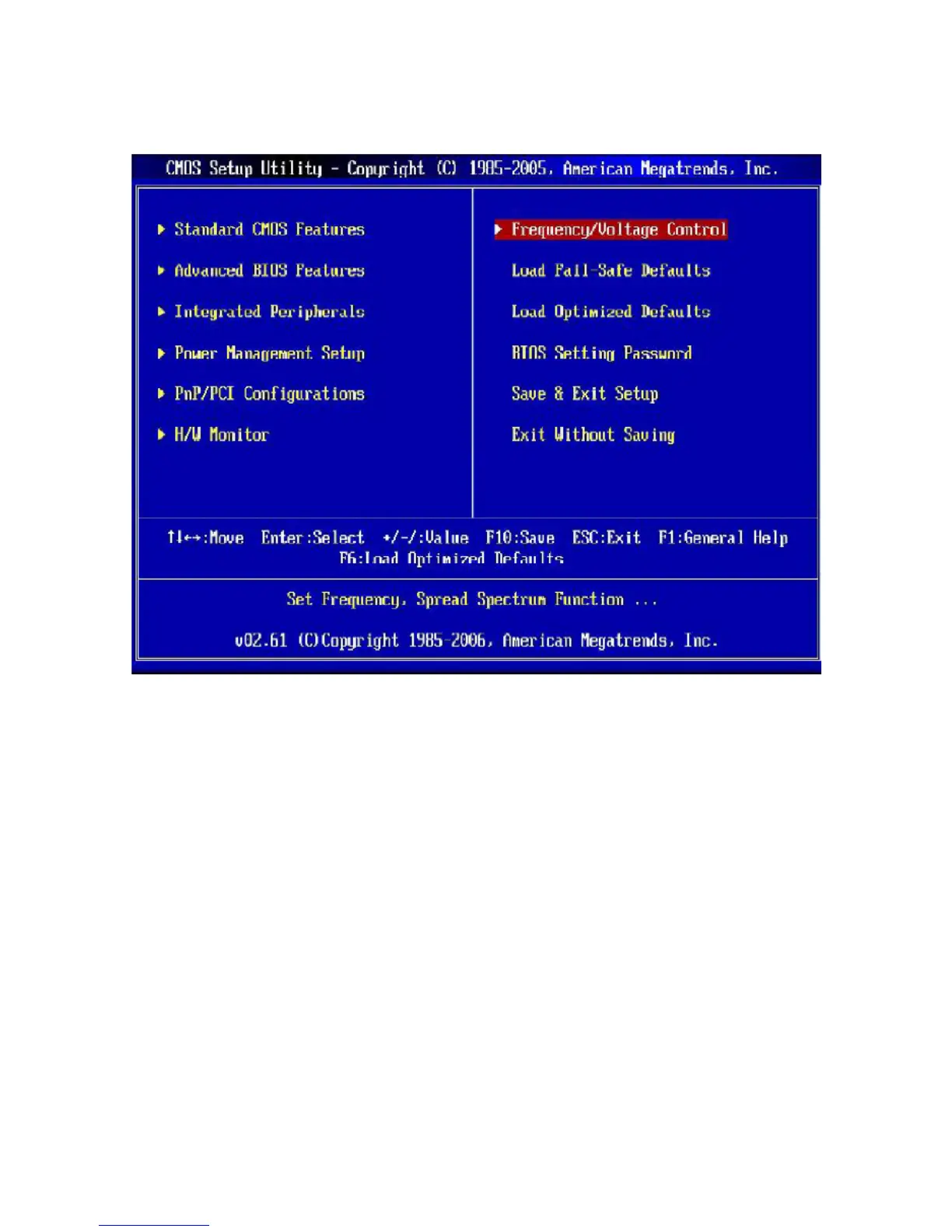
3.4 The Main Menu
• Standard CMOS Features
Use this menu for basic system configurations, such as time, date, etc.
• Advanced BIOS Features
Use this menu to setup the items of AMI® special enhanced features.
• Integrated Peripherals
Use this menu to specify your settings for integrated peripherals.
• Power Management Setup
Use this menu to specify your settings for power management.
• PnP/PCI Configurations
This entry appears if your system supports PnP/PCI.
• H/W Monitor
This entry shows your PC health status.



 To Next Page