55
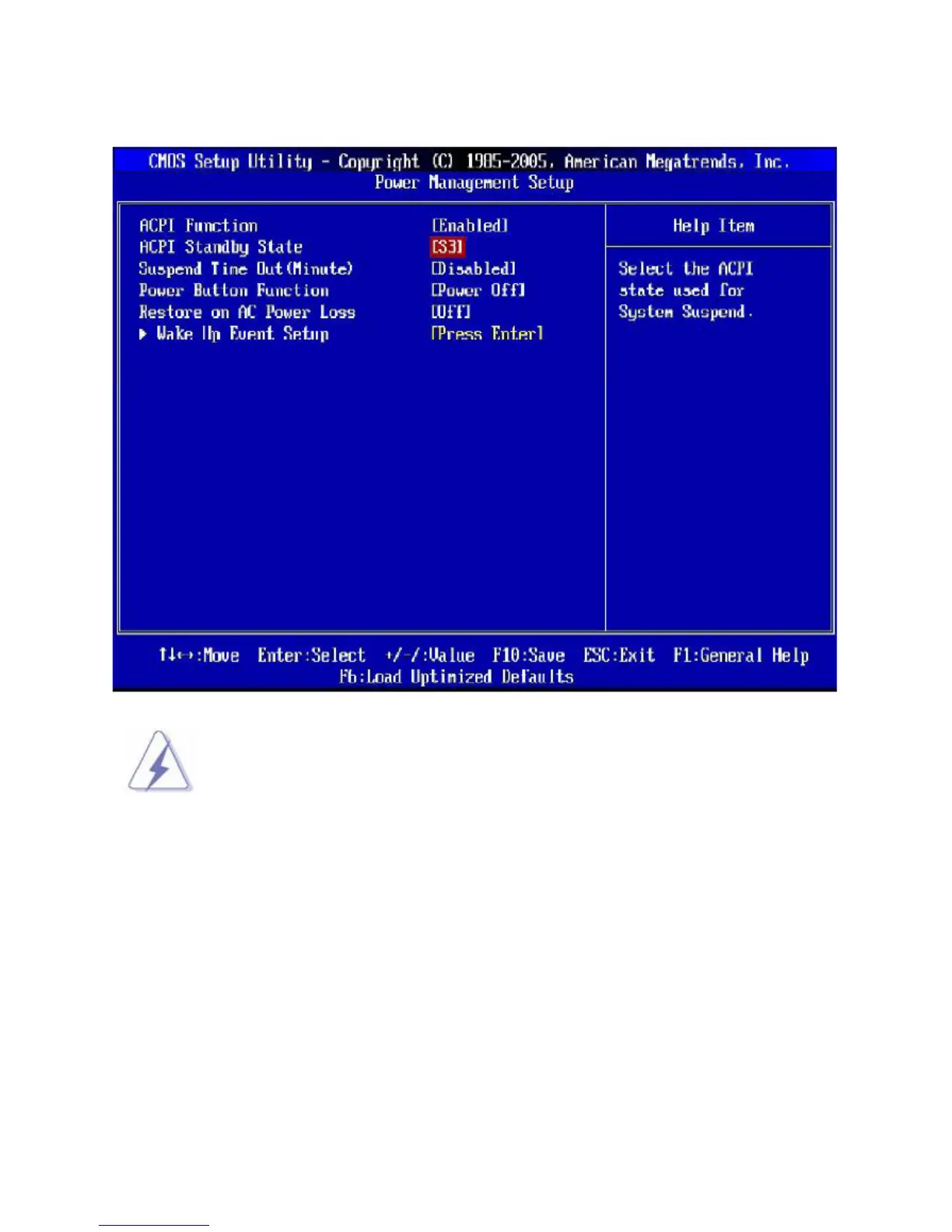
3.8 Power Management Setup
S3-related functions described in this section are available only when your BIOS
supports S3 sleep mode.
• ACPI Function
This item is to activate the ACPI (Advanced Configuration and Power Management Interface) Function. If
your operating system is ACPI-aware, such as Windows 2000/XP, select [Enabled].
• ACPI Standby State
This item specifies the power saving modes for ACPI function. If your operating system supports ACPI,
such as Windows 2000/ XP, you can choose to enter the Standby mode in S1(POS) or S3 (STR) fashion
through the setting of this field. Settings are:
[S1] The S1 sleep mode is a low power state. In this state, no system context is lost (CPU or chipset)
and hardware maintains all system context.
[S3] The S3 sleep mode is a lower power state where the in formation of system configuration and
open applications/files is saved to main memory that remains powered while most other



 To Next Page