54
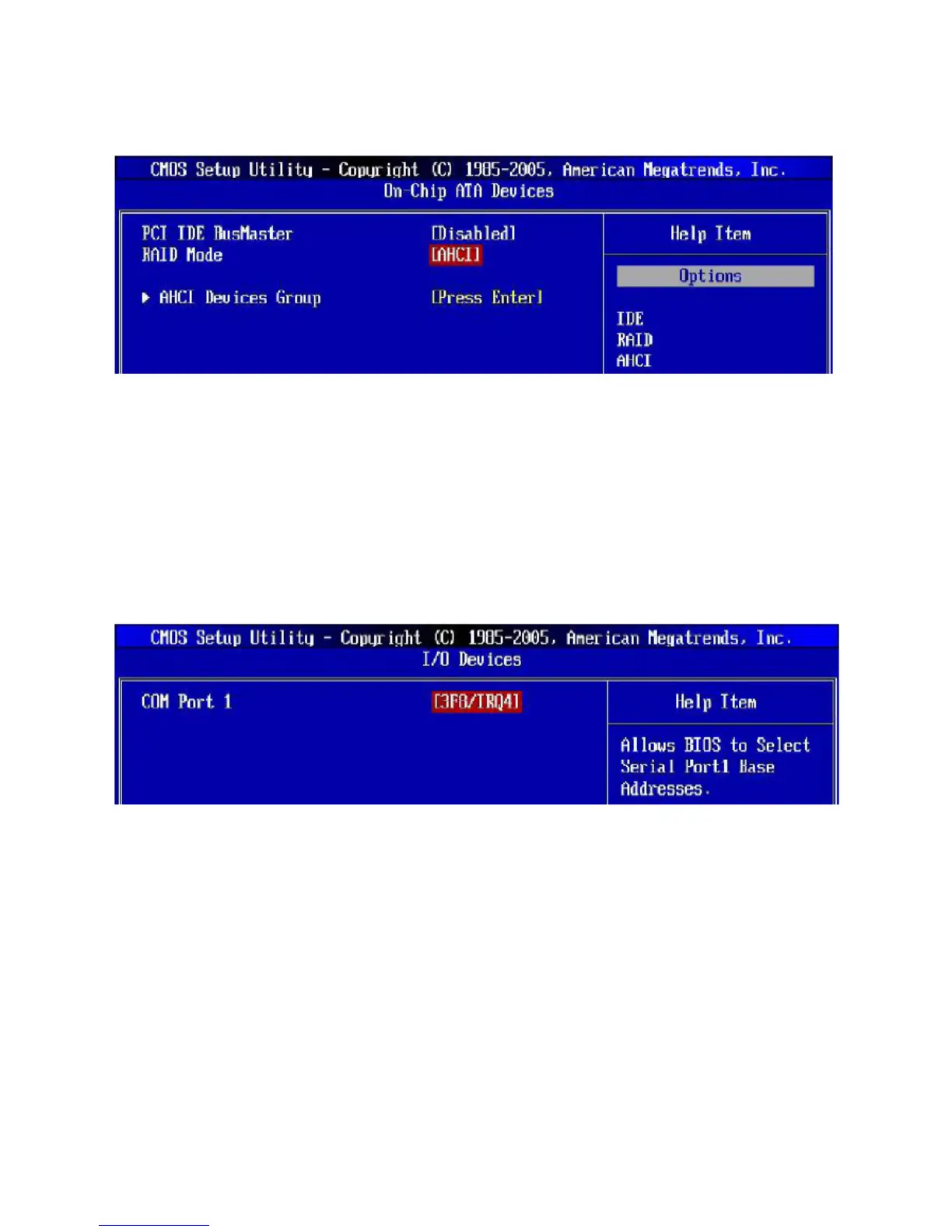
Press <Enter> to enter the sub-menu and the following screen appears:
• PCI IDE BusMaster
Set this option to [Enable] to specify that the IDE controller on the PCI local bus has bus mastering
capability.
• RAID Mode (for ICH9R only, which is optional on RX35Q board)
The SATA RAID Mode supports RAID 0, 1, 5, 10. I AHCI is chosen, it allows you to enable SATA
Stagger Spinup Support (not RAID mode) and take all hard disks on board as master.
• I/O Devices
Press <Enter> to enter the sub-menu and the following screen appears:
• COM Port 1
This item specifies the base I/O port addresses of the onboar Serial Port 1 (COM1). Selecting [Auto]
allows AMIBIOS to automatically determine the correct base I/O address.



 To Next Page