39
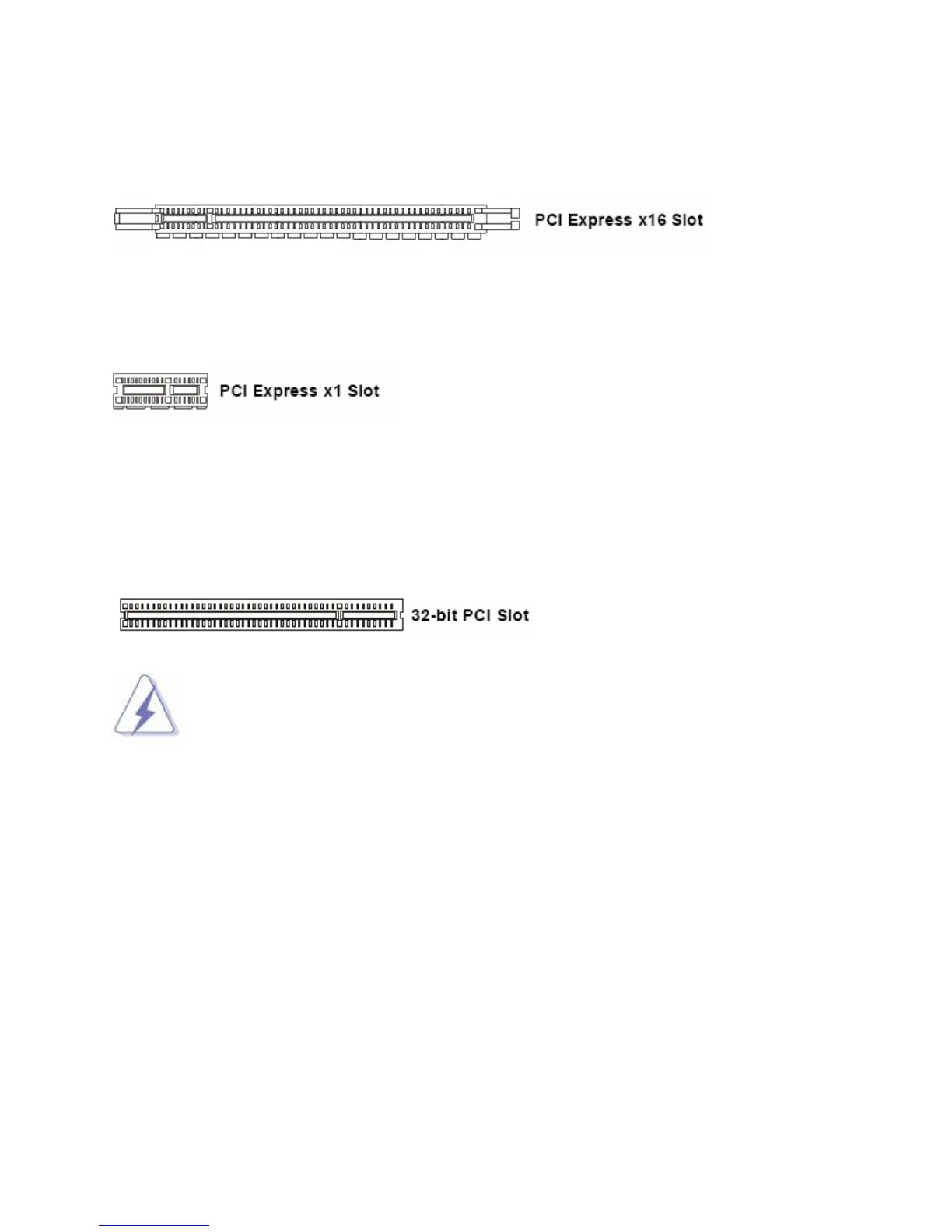
1.12.3.1 PCI-E x 16 Slot: PCI-E3
This slot supports PCI-E x16 graphic cards or ADD2-DVI cards.
1.12.3.2 PCI-E x1 Slot: PCI-E1
This slot supports PCI-E x1 cards.
1.12.4 PCI Slots: PCI1, PCI2
The PCI slot supports LAN card, SCSI card, USB card, and other add-on cards that comply with PCI
specifications.
1. When adding or removing expansion cards, make sure the system power is OFF.
2. After the card is installed on the system, make the adjustments under system BIOS
if necessary, then install the card driver provided by the card vendor under system
OS.
3. When using PCI cards on shared slots, ensure that the card driver support “Share
IRQ” or the PCI cards do not need IRQ assignments. Otherwise, conflicts will arise
between the two PCI groups; marking the system unstable and the card inoperable.



 To Next Page