48
• Floppy Drive A
This item allows you to set the type of floppy drives installed. Available options: [None], [360K, 5.25in.],
[1.2M, 5.25in.], [720k, 3.5in.], [1.44M, 3.5in.], [2.88M, 3.5in.].
• System Information
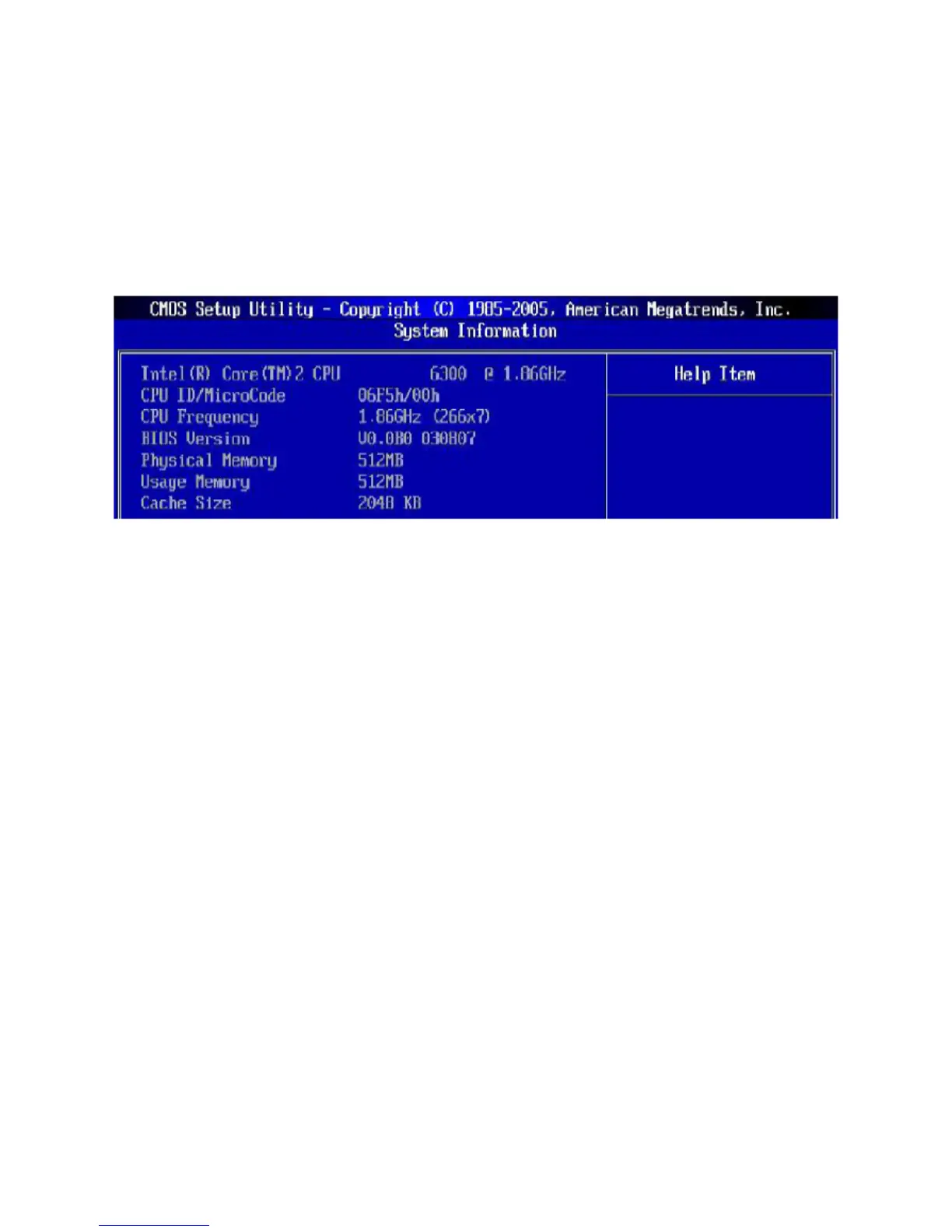
Press <Enter> to enter the sub-menu, and the following screen appears:
This sub-menu shows the CPU information, BIOS version and memory status of your system (read only).



 To Next Page