Chapter 5: Optimizing cytometer settings 69
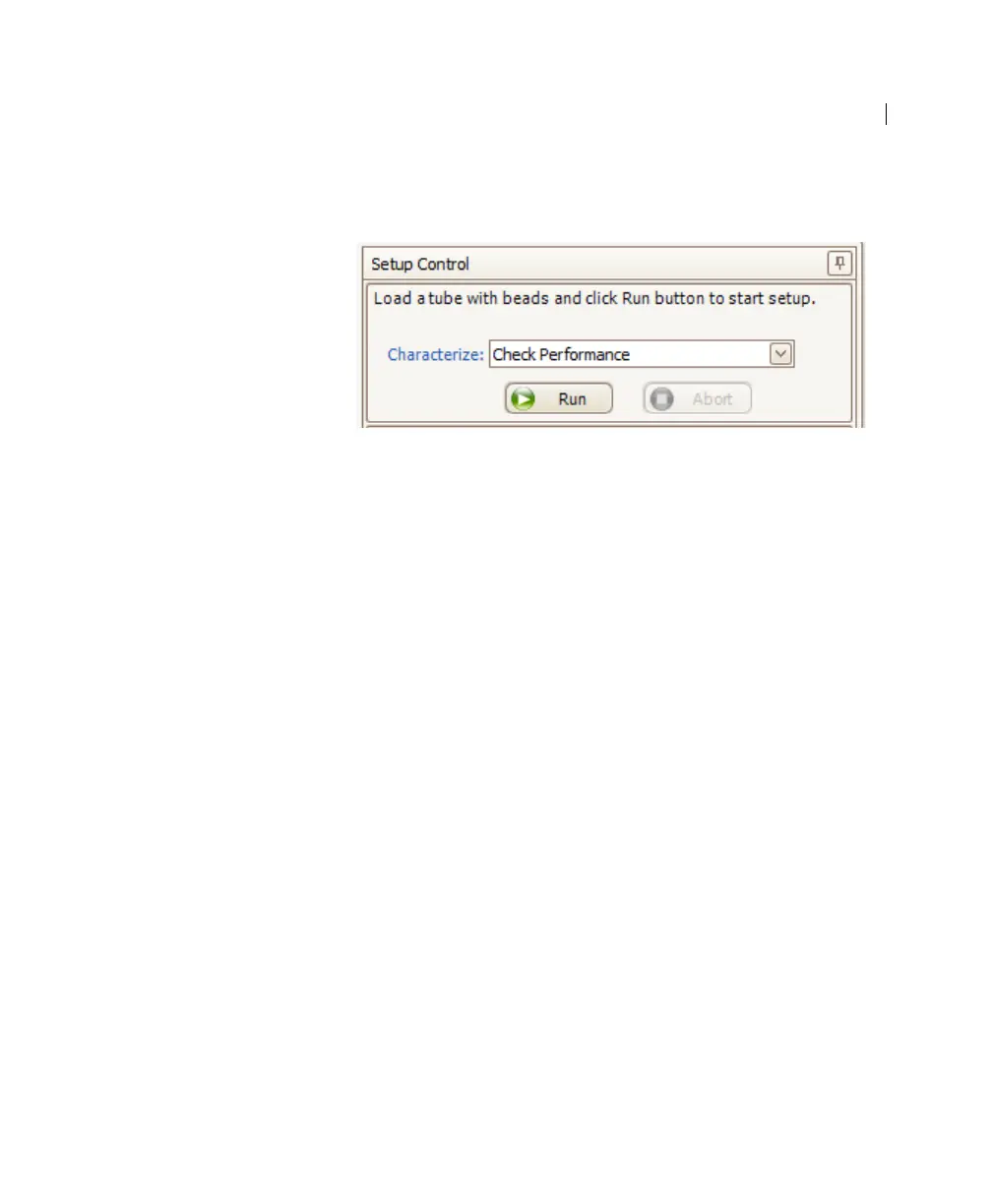
7. In the Setup Control window, select Check Performance from
the Characterize menu.
8. Click Run.
9. Ensure that Fine Adjust is set to 250, press RUN, and LOW.
Plots appear under the Setup tab and the performance check is
run. The performance check takes approximately 5 minutes to
complete.
10. Once the performance check is complete, click View Report.
11. Verify that the cytometer performance passed.
In the Setup tab, the cytometer performance results should
have a green checkbox displayed and the word Passed next to
it.


 To Next Page