Chapter 5: Optimizing cytometer settings 77
Creating application settings
Introduction This topic describes how to create application settings.
About application
settings
Application settings are associated with a cytometer configuration
and include the parameters for the application, area scaling values,
PMT voltages, and threshold values, but not compensation. Each
time a performance check is run for a configuration, the
application settings associated with that configuration are updated
to the latest run.
Using application settings provides a consistent and reproducible
way to reuse cytometer settings for commonly used applications.
Before you begin Perform the cytometer setup procedure and run a performance
check for the configuration that will be used for the application.
Procedure To create application settings:
1. In the open experiment, right-click Cytometer Settings in the
Browser, then select Application Settings > Create
Worksheet.
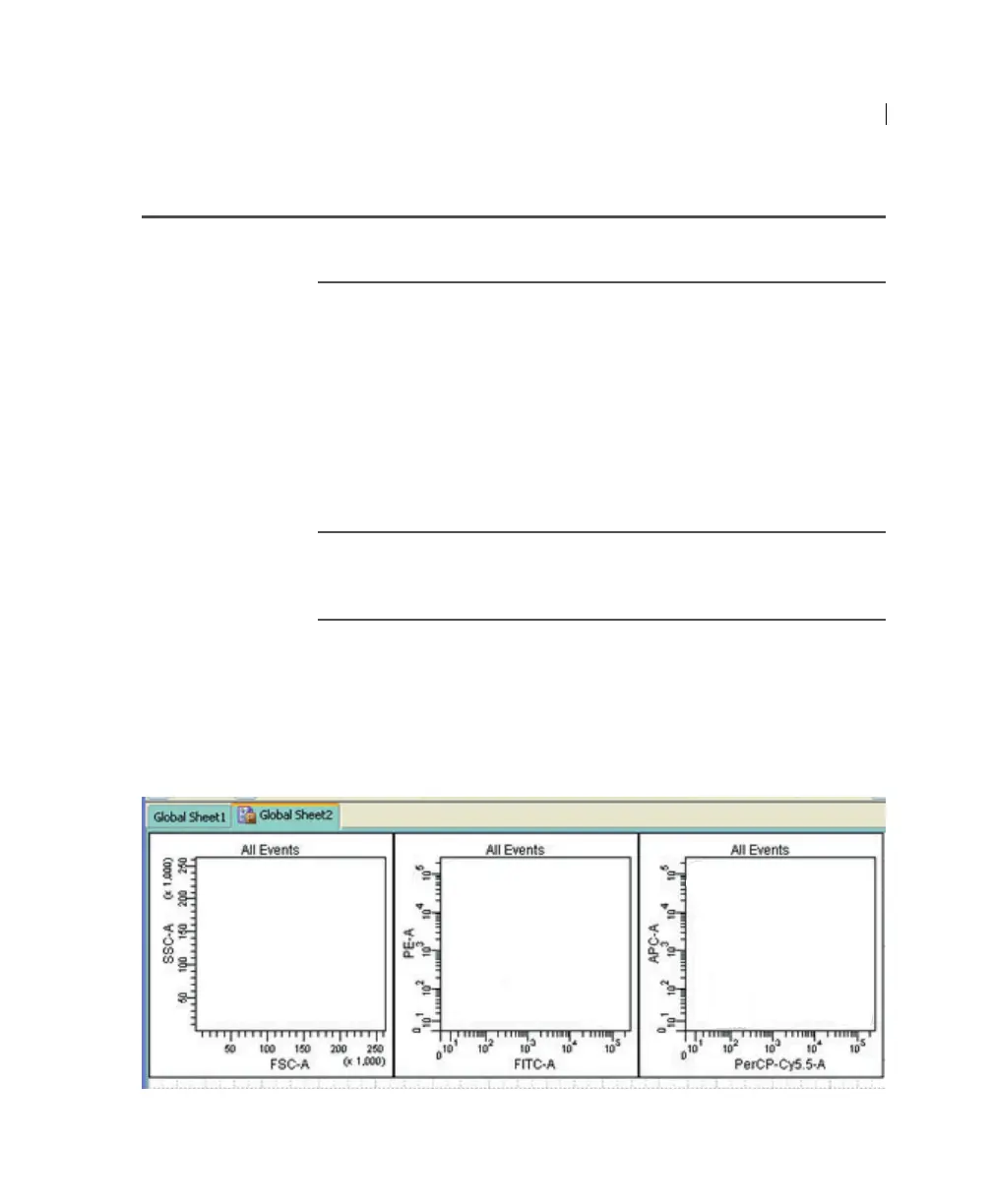
A second global worksheet is added with the plots created
according to the selections in the Parameters tab.
2. Load the unstained control tube onto the cytometer.



 To Next Page