BD FACSCelesta Flow Cytometer User’s Guide74
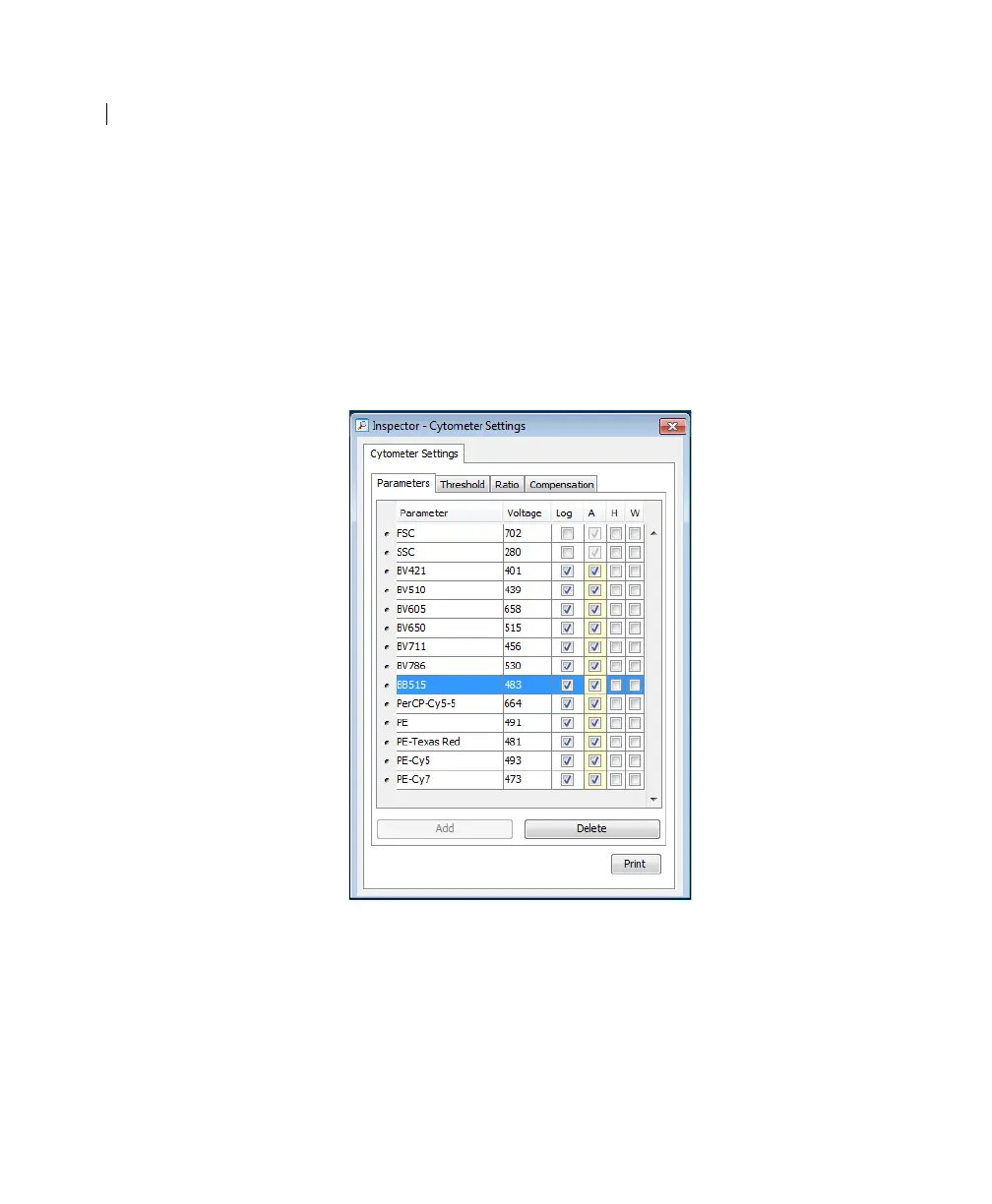
2. Make sure the parameters you need appear on the Parameters
tab in the Inspector.
If more than one parameter is available for a particular
detector, you might have to select the one you need from a
menu. For example, you can set Detector D for the blue laser
as FITC or BB515.
a. Click the Parameter name to display the available
fluorochromes in the Parameters list.



 To Next Page