Chapter 5: Optimizing cytometer settings 81
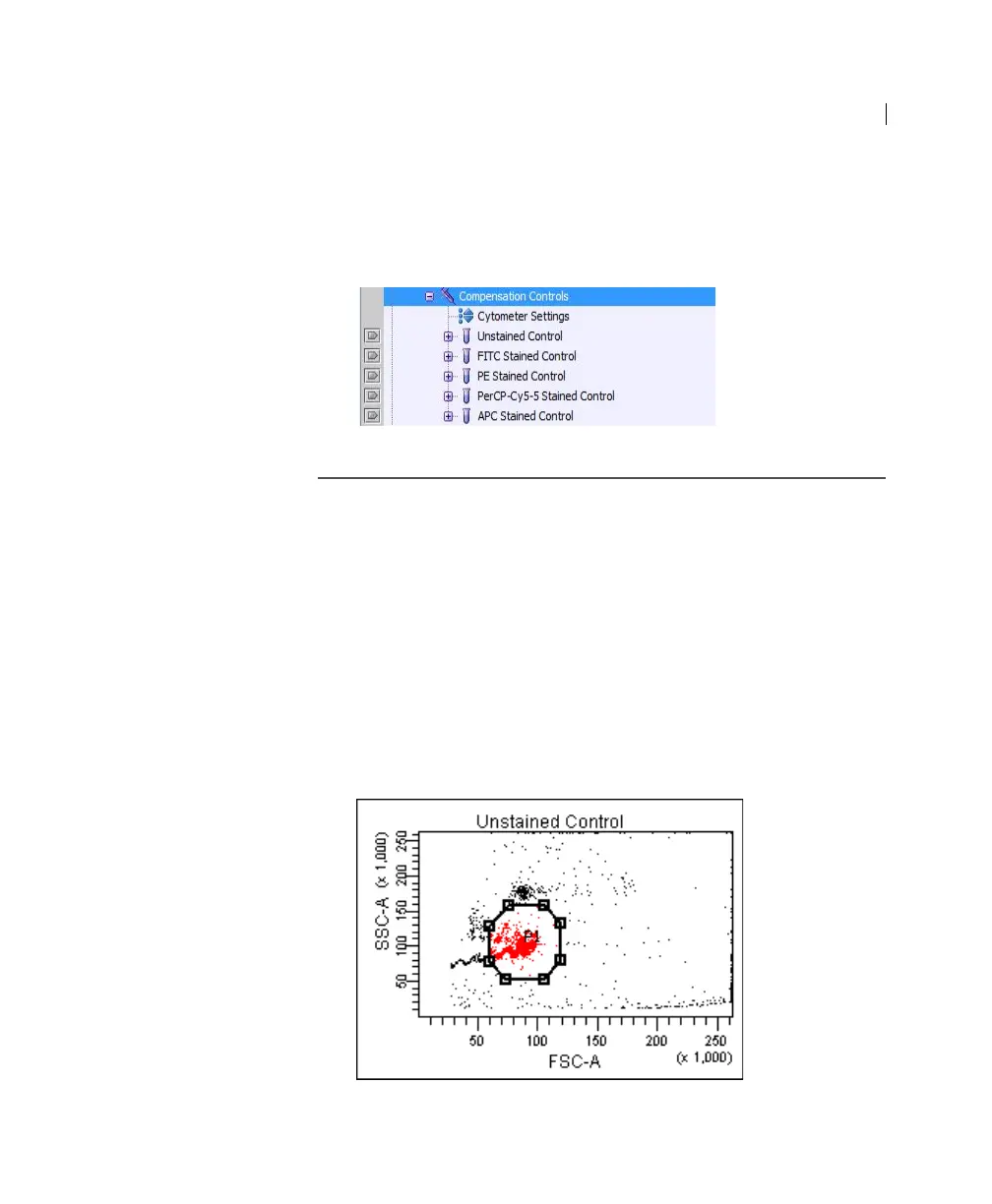
Compensation control tubes are added to the experiment.
Worksheets containing appropriate plots and gates are added
for each compensation tube.
Recording
compensation
settings
To record compensation settings:
1. Press RUN and HIGH on the cytometer fluid control panel.
2. Install the unstained control tube onto the SIP.
3. Expand the Compensation Controls specimen in the Browser.
4. Set the current tube pointer to the unstained control tube (it
becomes green), then click Acquire Data in the Acquisition
Dashboard.
5. Verify that the population of interest is displayed appropriately
on the FSC vs SSC plot and adjust voltages if necessary.



 To Next Page