Chapter 6: Recording and analyzing data 89
4. Click Acquire Data in the Acquisition Dashboard to begin
acquisition.
5. While data is being acquired:
a. Draw a gate around the singlets on the FSC vs SSC plot.
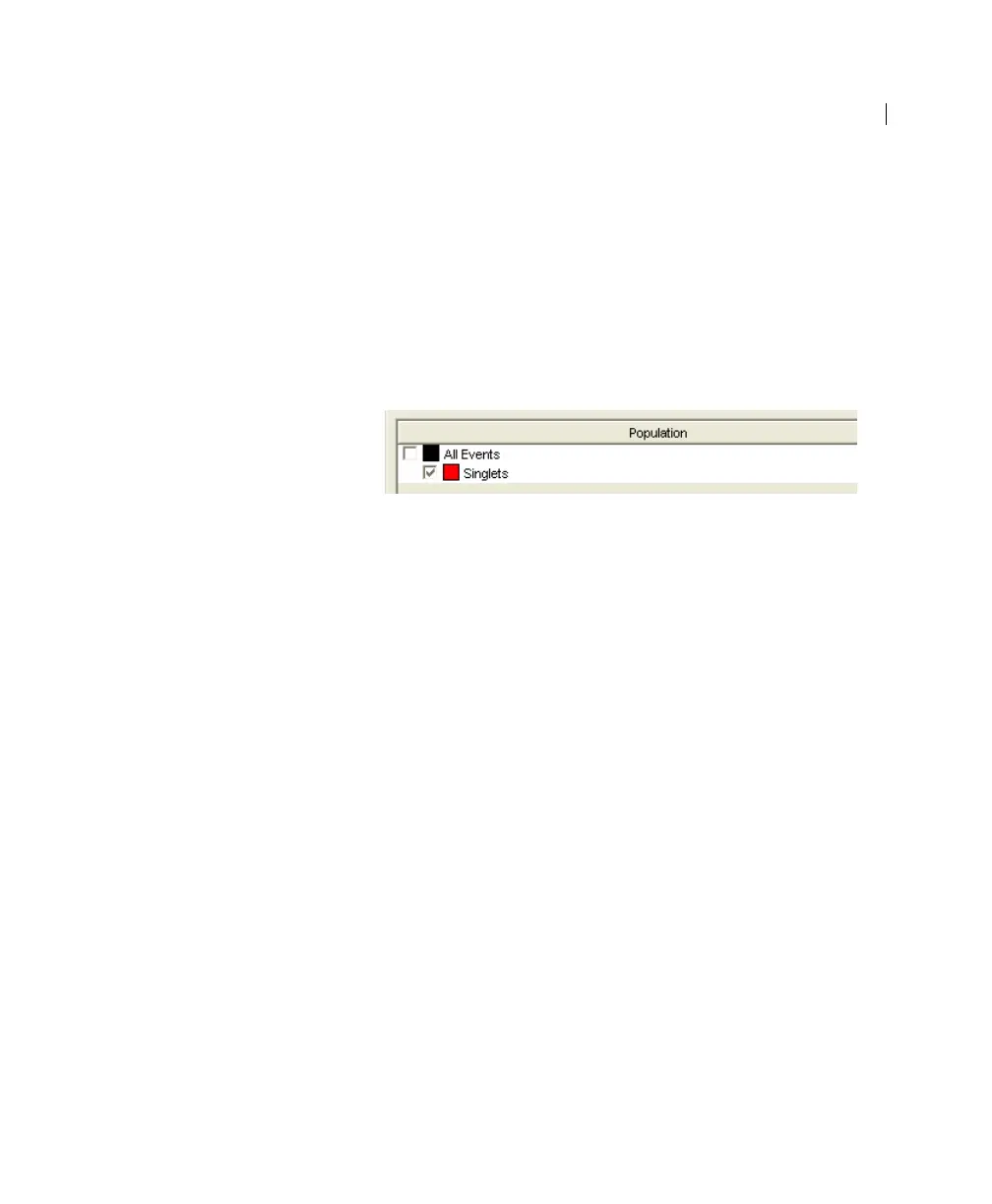
b. Rename the P1 gate to Singlets.
c. Use the Inspector to set the other plots to show only the
singlet population by selecting the Singlets checkbox.
6. Click Record Data.
7. When event recording has completed, remove the first tube
from the cytometer.



 To Next Page