BD FACSCelesta Flow Cytometer User’s Guide98
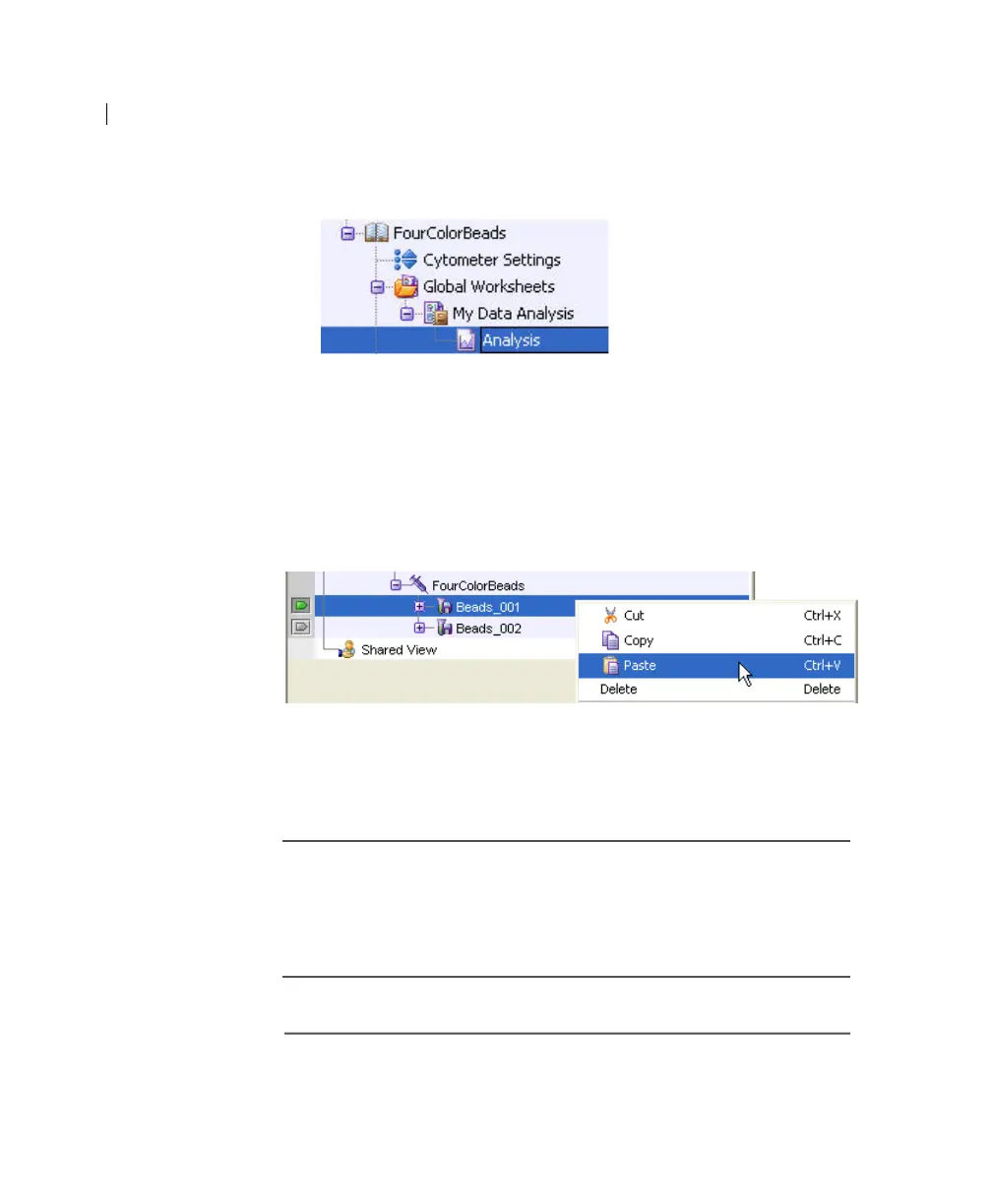
2. Right-click its analysis and select Copy.
3. Click the Worksheets View button on the Worksheet toolbar to
switch to the normal worksheet view.
4. Select Worksheet > New Worksheet to create a new normal
worksheet.
5. Right-click the Beads_001 tube icon in the Browser, and select
Paste.
The analysis objects from the MyDataAnalysis global
worksheet are copied to the Beads_001_Analysis normal
worksheet. Double-click the Beads_001 tube in the Browser to
view the analysis.
Applying an
analysis to normal
worksheets
You can apply the global worksheet analysis to multiple tubes (on
a single normal worksheet) by selecting multiple tubes before
pasting the analysis. Ensure that you collapse all tube elements in
the Browser before you paste them to multiple tubes.
More information • Analyzing data (page 91)



 To Next Page