User’s Guide118
8. Install the FITC-positive control tube onto the loading port
and click Load in the Acquisition Dashboard.
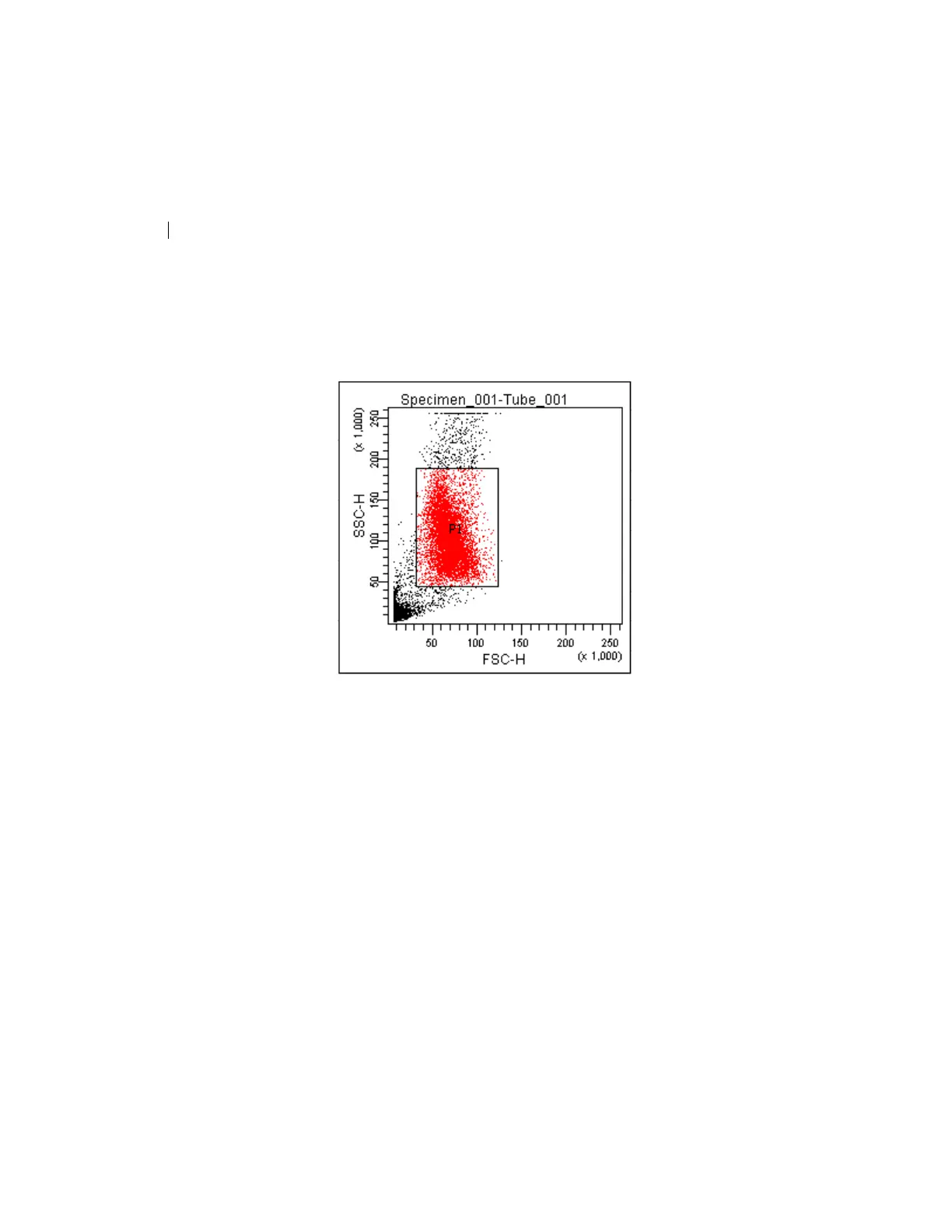
9. Adjust the FSC and SSC voltages to place the particles on
scale.
10. Adjust the P1 gate around the population of interest.
11. Adjust the FSC area scaling.
a. Click the Laser Tab in
the Cytometer window.
b. Adjust the FSC area scaling factor unti
l the FSC-A signal
matches the FSC-H signal:
• Increase the area scaling factor if the FSC-A signal is
lo
wer than FSC-H.



 To Next Page