User’s Guide70
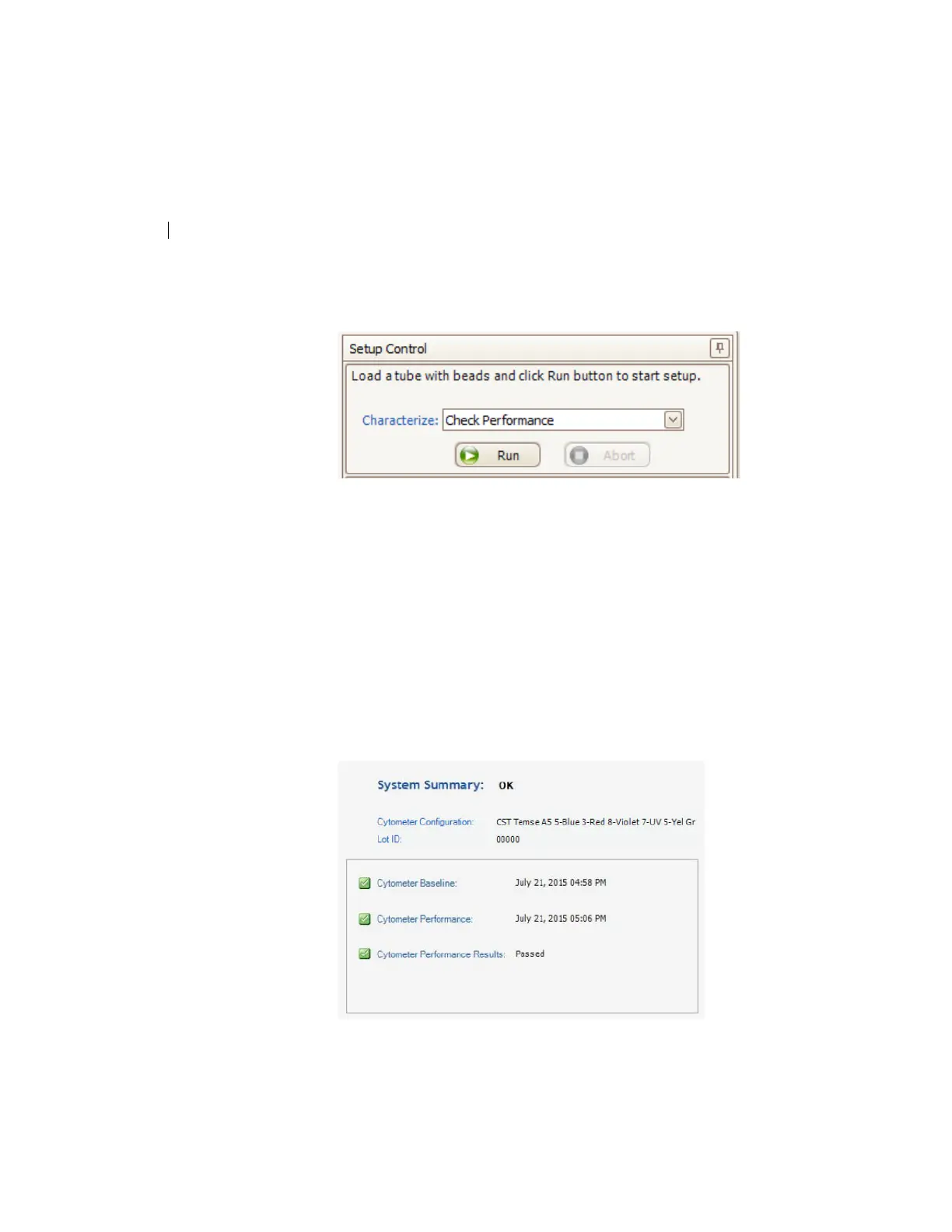
7. In the Setup Control window, select Check Performance from
the Characterize menu.
8. Click Run.
9. Ensure that Fine Adjust is set to 250, press Ru
n, and Low.
Plots appear under the Setup tab and the performance check is
ru
n. The performance check takes approximately 5 minutes to
complete.
10. Once the performance check is complete, click Vi
ew Report.
11. Verify that the cytometer performance passed.
In the Setup tab, the cytometer performance r
esults should
have a green checkbox displayed and the word Passed next to
it.



 To Next Page