Chapter 5: Optimizing cytometer settings 71
If any parameters did not pass, see the BD Cytometer Setup
and Tracking Application Guide for troubleshooting
information.
12. Select File > Exit to close the CS&T window and return to the
BD FACSDiva interface.
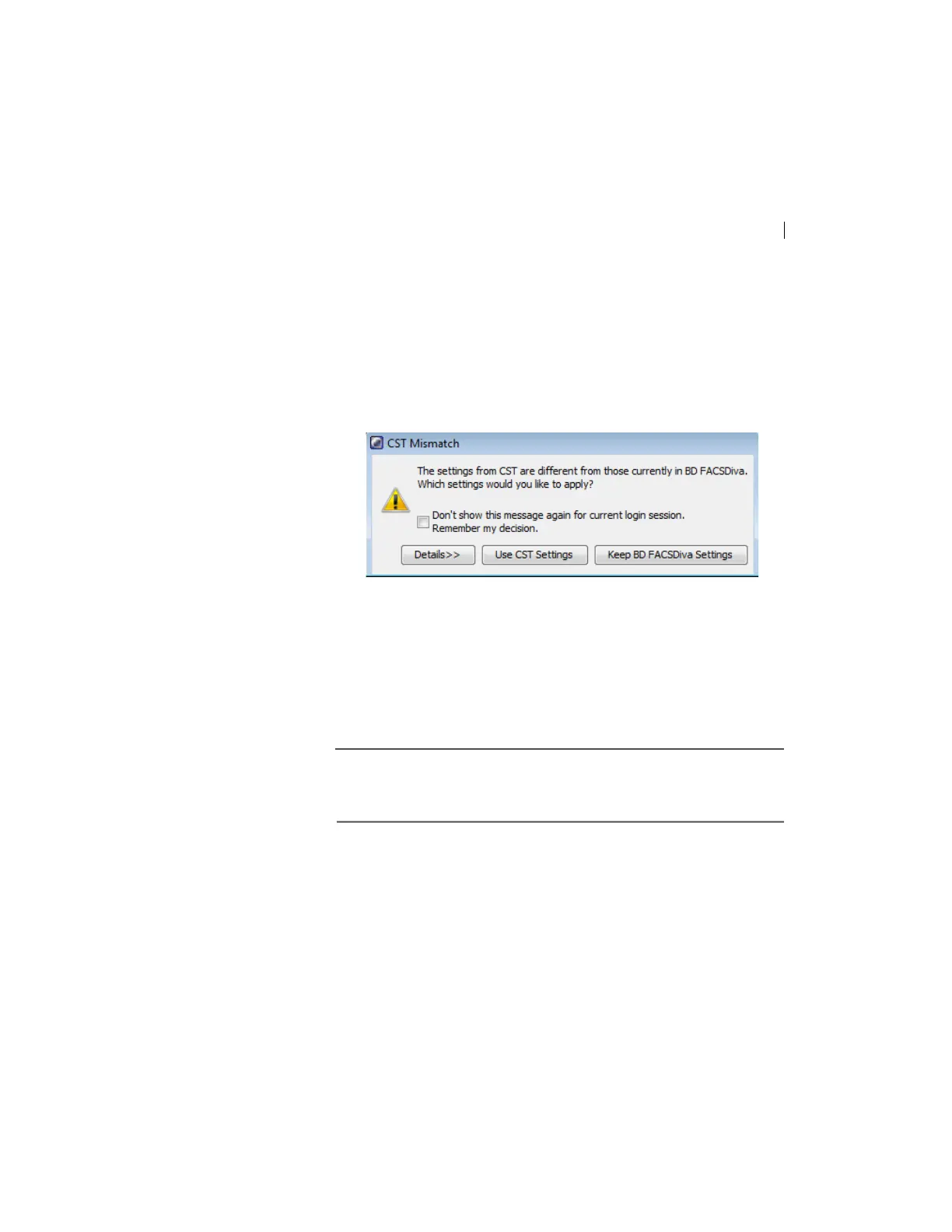
The CST Mismatch dialog opens.
Click the Details button to verify which cytometer settings will
be updated.
13. Click Use C
ST Settings.
By selecting Use C
ST Settings, the laser delay, area scaling, and
other cytometer settings will be updated to the latest settings
from the performance check.
Next step Continue the optimization of your cytometer for an experiment or
sample type
as described in Setting up an experiment (page 72).



 To Next Page