Chapter 3: Cytometer setup 39
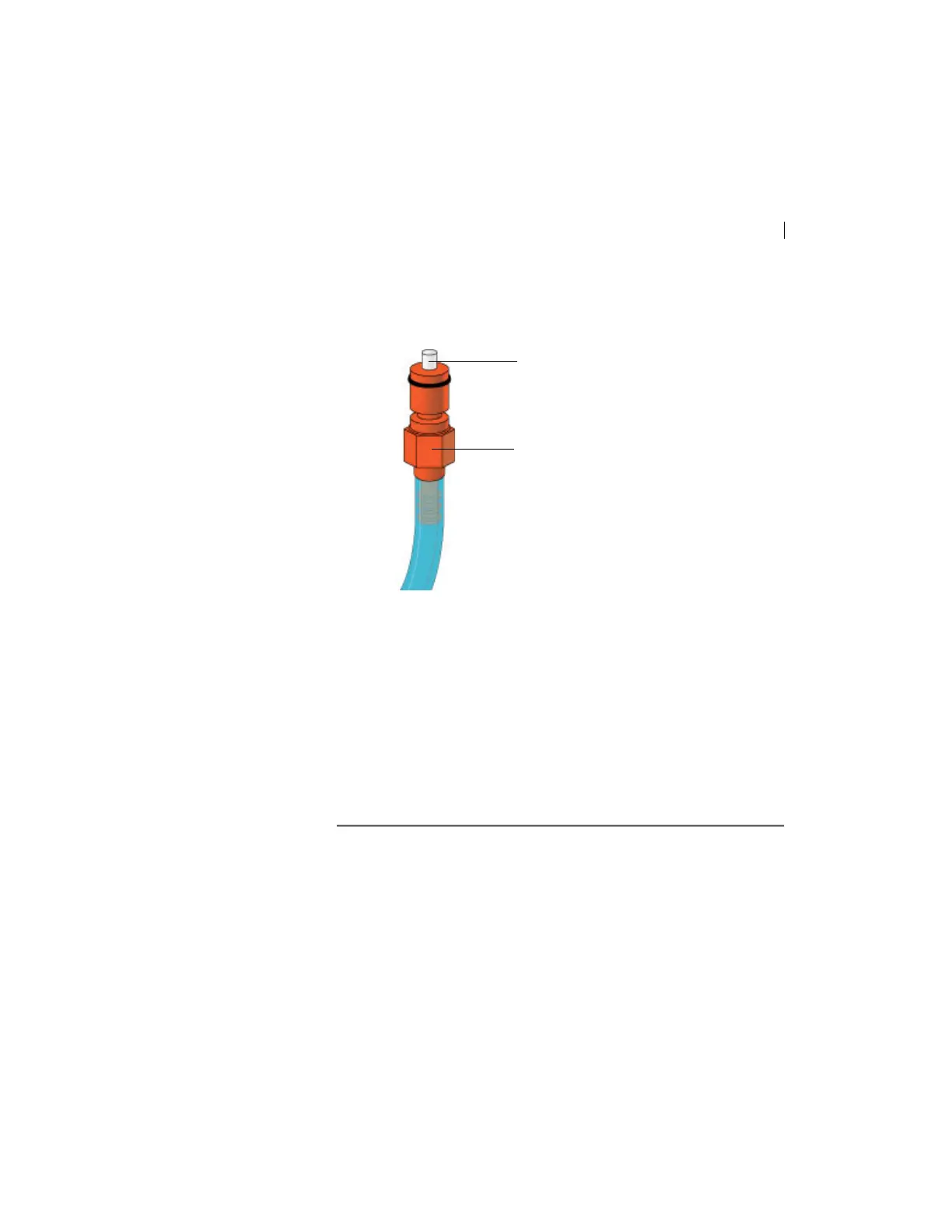
3. Direct the vent line into a beaker and press the small button at
the end of the vent fitting against the side of the beaker until a
steady stream of fluid empties from the filter.
4. Tilt the filter and verify that no trapped air remains in the
filter.
5. Repeat steps 3 and 4 until no air is observed in the filter.
6. Check the sheath lin
e for air bubbles.
7. Open the roller clamp at the fluidics inter
connect (if necessary)
to bleed off any air in the line. Collect any excess fluid in a
waste container.
8. Close the roller clamp.



 To Next Page