User’s Guide66
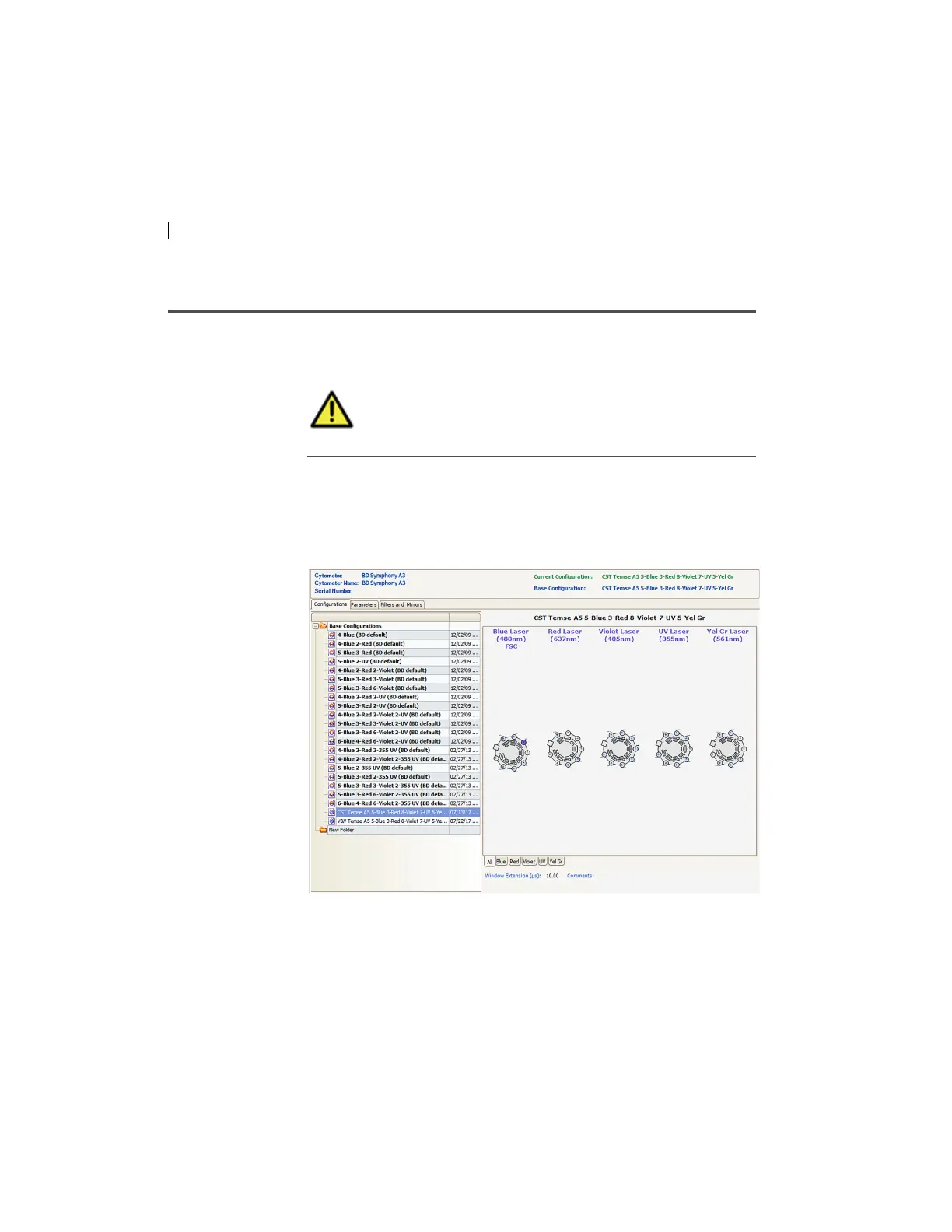
Verifying the configuration and user preferences
Introduction This topic describes how to verify the cytometer configuration and
user preferences before you create an experiment.
Procedure To verify the configuration and preferences before you create an
experiment:
1. Select C
ytometer > View Configurations and verify the current
configuration.
Your cytometer might include only the base configuration
when your cytometer is installed. You can create additional
configurations later as needed.
In this example, the cytometer co
nfiguration must include the
following parameters: FITC, PE, PerCP-Cy5.5, and APC.
Caution! To obtain accurate data results, the current
cytometer configuration must reflect your flow
cytometer optics.



 To Next Page