120
>>> TELEPHONE MODE
Updating the phonebook
With this function, you can update or
retransfer the stored phonebook
entries in the Navigation device.
> In the settings menu, press the
Refresh button.
Be aware that it may take several
minutes to load the phonebook.
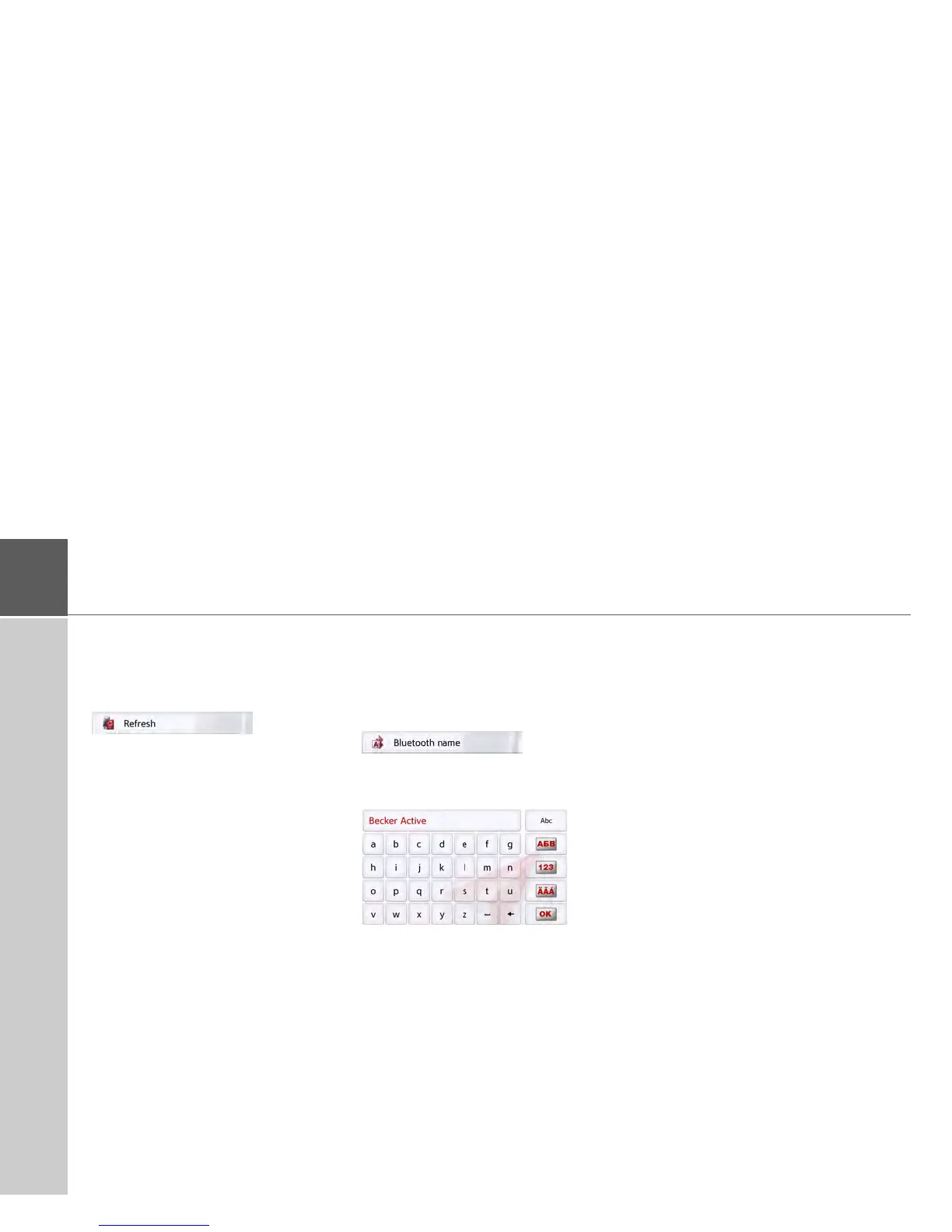
Bluetooth® name
With this function, you can assign a
name for your Navigation device. This
assigned name will then be displayed
by other Bluetooth® devices.
> In the settings menu, press the
Bluetooth
®
name button.
> Enter the desired name.
> Confirm the name entered by
pressing the
OK button.


 To Next Page
 Loading...