129
SETTINGS >>>
Settings
Selecting system settings
You can change various basic settings
for all applications on the Navigation
device.
> In the main menu, press the
button.
> Press the
System settings button.
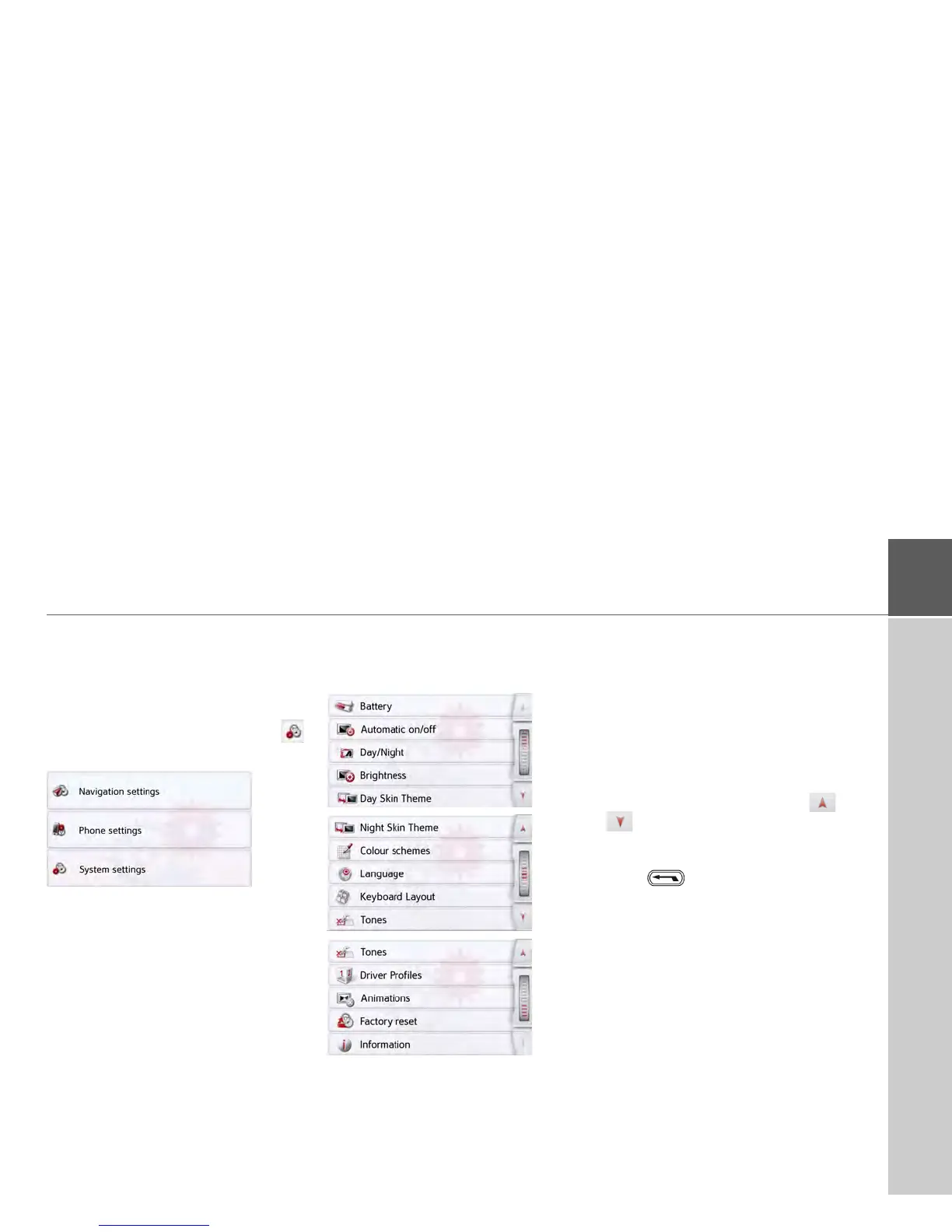
The system settings menu is displayed.
The system settings menu
You can select the various settings
optionsfrom the system settings menu.
Operation
Selection options
Select the desired menu item by press-
ing the appropriate button. The function-
ality of the buttons varies depending on
the selection and is described under "The
individual menu items" on page130.
You can go to the next or previous page
of the settings by pressing the and
buttons.
Closing the settings menu
Press to close the settings menu.



 To Next Page