5
5-23
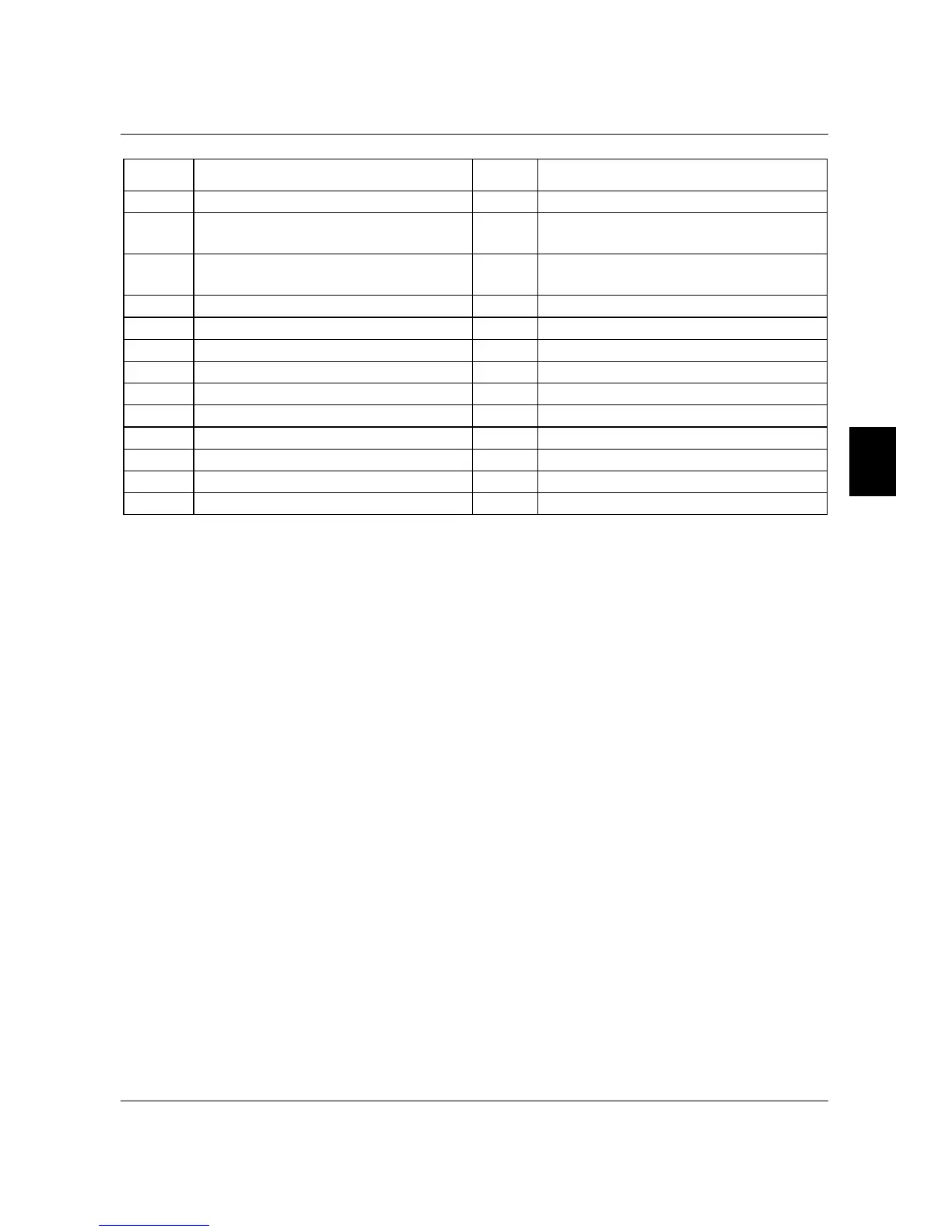
Function Table List:
Setting Functions Setting Functions
00 AC Drive Operational 13 Top Count Value Attained
01
Maximum Output Frequency
Attained
14 Preliminary Counter Value Attained
02 Zero speed 15
Warning (PID feedback loss,
communication error)
03 Over-Torque detection 16 Below the Desired Frequency
04 Base-Block (B.B.) Indication 17 PID supervision
05 Low-Voltage Indication 18 Over Voltage supervision
06 AC Drive Operation Mode 19 Over Heat supervision
07 Fault Indication 20 Over Current stall supervision
08 Desired Frequency attained 21 Over Voltage stall supervision
09 PLC Program Running 22 Forward command
10 PLC Program Step Completed 23 Reverse command
11 PLC Program Completed 24 Zero Speed (Includes Drive Stop)
12 PLC Operation Paused
Function Explanations:
00 AC Drive operational: terminal output is activated when there is power output from
drive.
01 Maximum Output Frequency Attained: terminal output is activated when the AC
drive attains Maximum Output Frequency.
02 Zero speed: terminal output is activated when Command Frequency is lower than the
Minimum Output Frequency.
03 Over-Torque Detection: terminal output is activated when over-torque is detected.
Parameter Pr.61 determines the Over-Torque detection level.
04 Base-Block (B.B.) Indication: terminal output is activated when the AC drive output is
shut-off by the external Base-Block.
05 Low Voltage Indication: terminal output is activated when low voltage is detected.
06 AC Drive Operation Mode: terminal output is activated when the operation of AC
Drive is controlled by External Control Terminals.
07 Fault Indication: terminal output is activated when certain faults occur (oc, ov, oH, oL,
oL1, EF, cF3, HPF, ocA, ocd, ocn, GF).
08 Desired Frequency Attained: terminal output is activated when the desired frequency
(Pr.47) is attained.
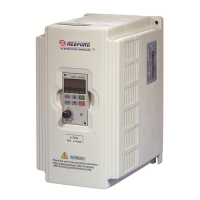
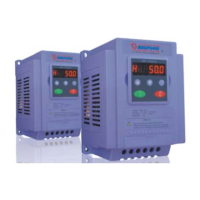
B550 Series sensorless vector frequency drive



 To Next Page