GB Sound speed controller SFR-1
18 BEIER-Electronic 06.02.2019
Volume control
A volume control is possible by an external potentiometer or by different functions
with the radio.
The external potentiometer (100kΩ) is connected to X8 (see wiring diagram, page
9).
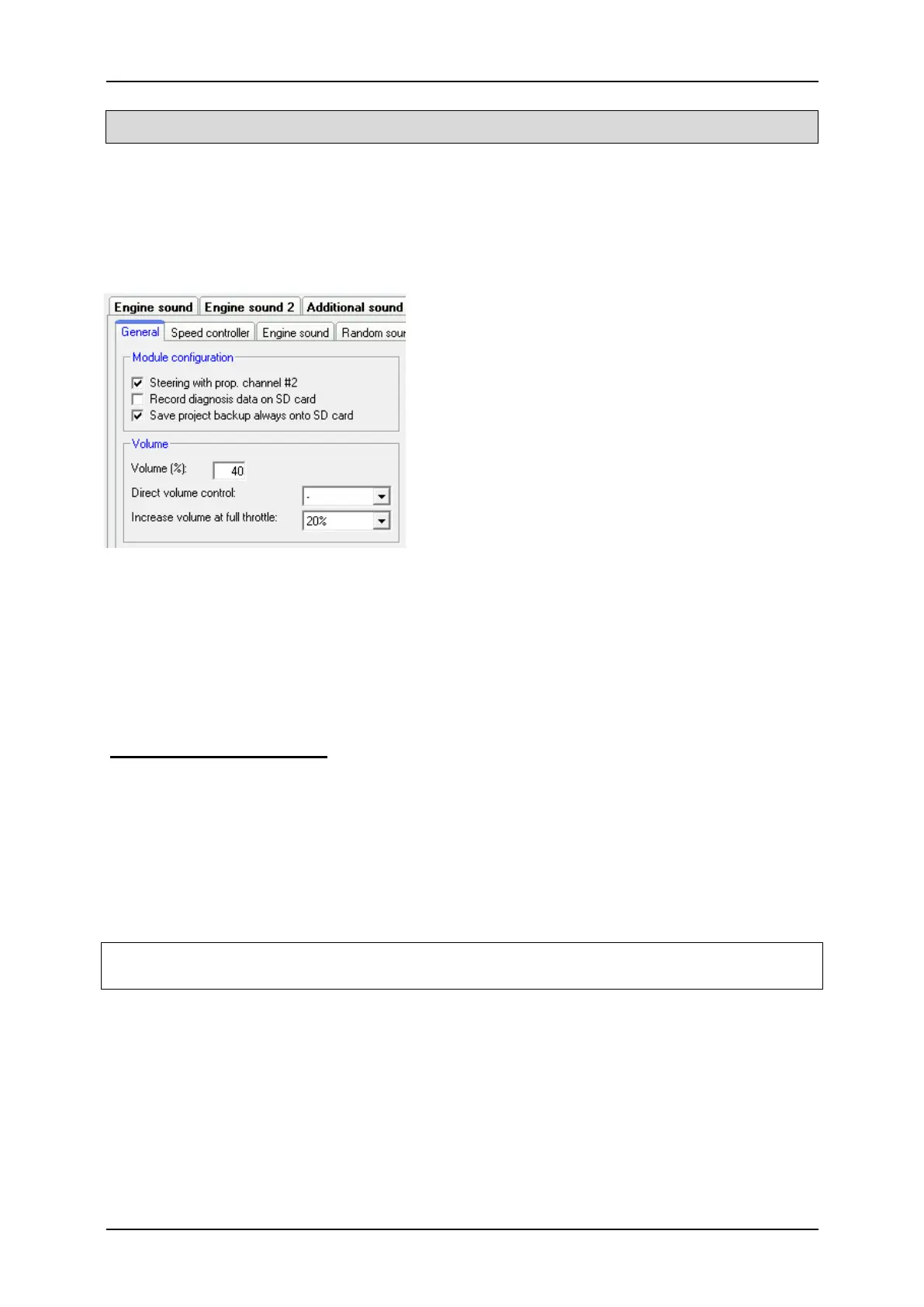
If no potentiometer is connected, always the
maximum volume is used, which is configured
in the Sound-Teacher (10 – 100 %) at
Configuration General „Volume (%).
The volume can be steplessly controlled via
one proportional channel and the "Direct
volume control" setting. A slide switch or knob
on the remote control is recommended with this
function. The proportional channel can in this
case not be used to trigger other functions.
The volume at full throttle can be automatically increased with the setting “Increase
volume at full throttle”.
The volume can also be controlled by the remote control. The functions “Volume +“
and “Volume -“, must be configured in the Sound-Teacher e.g. to a proportional
channel or to a nautic/multiswitch.
General notes to volume
Please note that the sound files you transfer to the SFR-1 should have an optimal
modulation/volume. Common mistakes are far too quiet recordings that can not be
played properly.
The volume of each sound can be changed individually as well. You will find the
setting in your Sound-Teacher on the right side of each sound slot. Values between
10 and 300 % (in relation to the original wav-file) are possible.
If more than one option to control the volume are used at the same time, then the
lowest set volume always controls the maximum volume at the model.



 To Next Page