GB Sound speed controller SFR-1
86 BEIER-Electronic 06.02.2019
Transferring configurations with data cable K-USB-2
If you often want to change sounds and configurations in the Sound-Teacher, it will
quickly become annoying inserting and pulling out the SD card between SFR-1 and
card reader. To avoid time consuming reconnecting, it is possible to transfer
complete projects with the data cable K-USB-2.
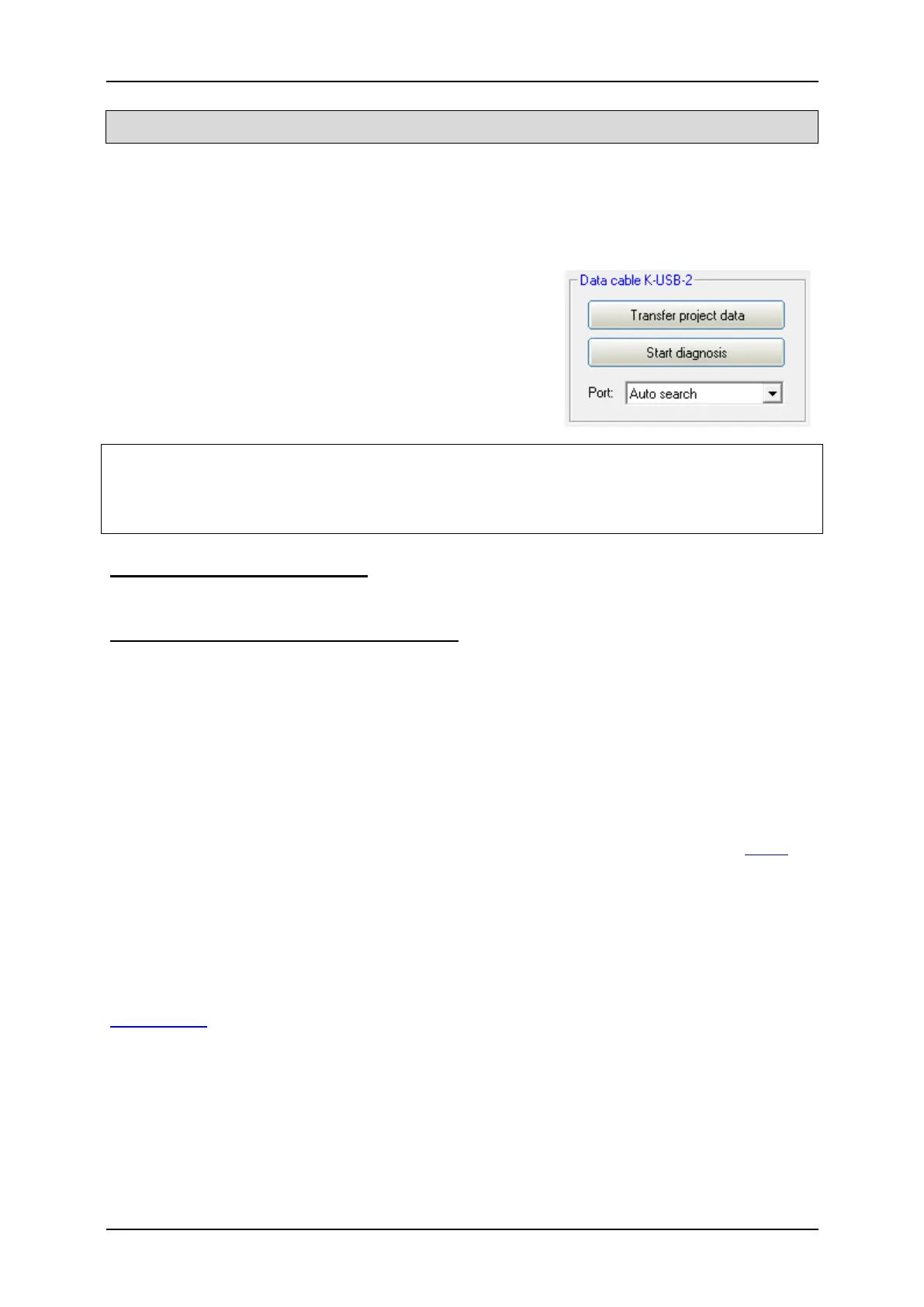
In the menue „Data cable“ and „Upload project data
via data cable“ or with the button „Transfer project
data“ all sounds and settings are transferred onto the
SD card.
Transferring sounds with the data cable K-USB-2 takes a few minutes! A sound with
a length of 10 seconds takes about 15 - 45 seconds (depending on the transmission
speed) until it is transferred. Very long songs and large, new projects are only
restrictively recommended to be transferred with the data cable.
Problems with the data cable
If problems occur, the tranfer speed can be reduced in the menue „Data cable“.
SFR-1 can not be found with data cable
If the SFR-1 port can not be found with the data cable, check the port in the device
manager. If there is a yellow warning sign a new hardware driver (Prolific) is required.
Windows:
With Windows 10 and later versions no additional hardware driver is required. For
older operating systems the hardware driver can be dowloaded on our website at the
product page data cable K-USB-2.
Linux:
In combination with Linux, the data cable can also be used with the software Wine.
No extra hardware driver is required, however a COM port must be set using
following comand in your terminal window:
sudo chmod 777 /dev/ttyACM0
sudo ln -s /dev/ttyACM0 ~/.wine/dosdevices/com5
Mac OS:
The data cable is compatible with Mac OS in combination with the software
WineBottler. No extra hardware driver is required, however a COM port must be set
using following comand in your terminal window:
sudo ln -s /dev/cu.usbmodem9f31 ~/"Wine Files"/dosdevices/com5



 To Next Page