GB Sound speed controller SFR-1
48 BEIER-Electronic 06.02.2019
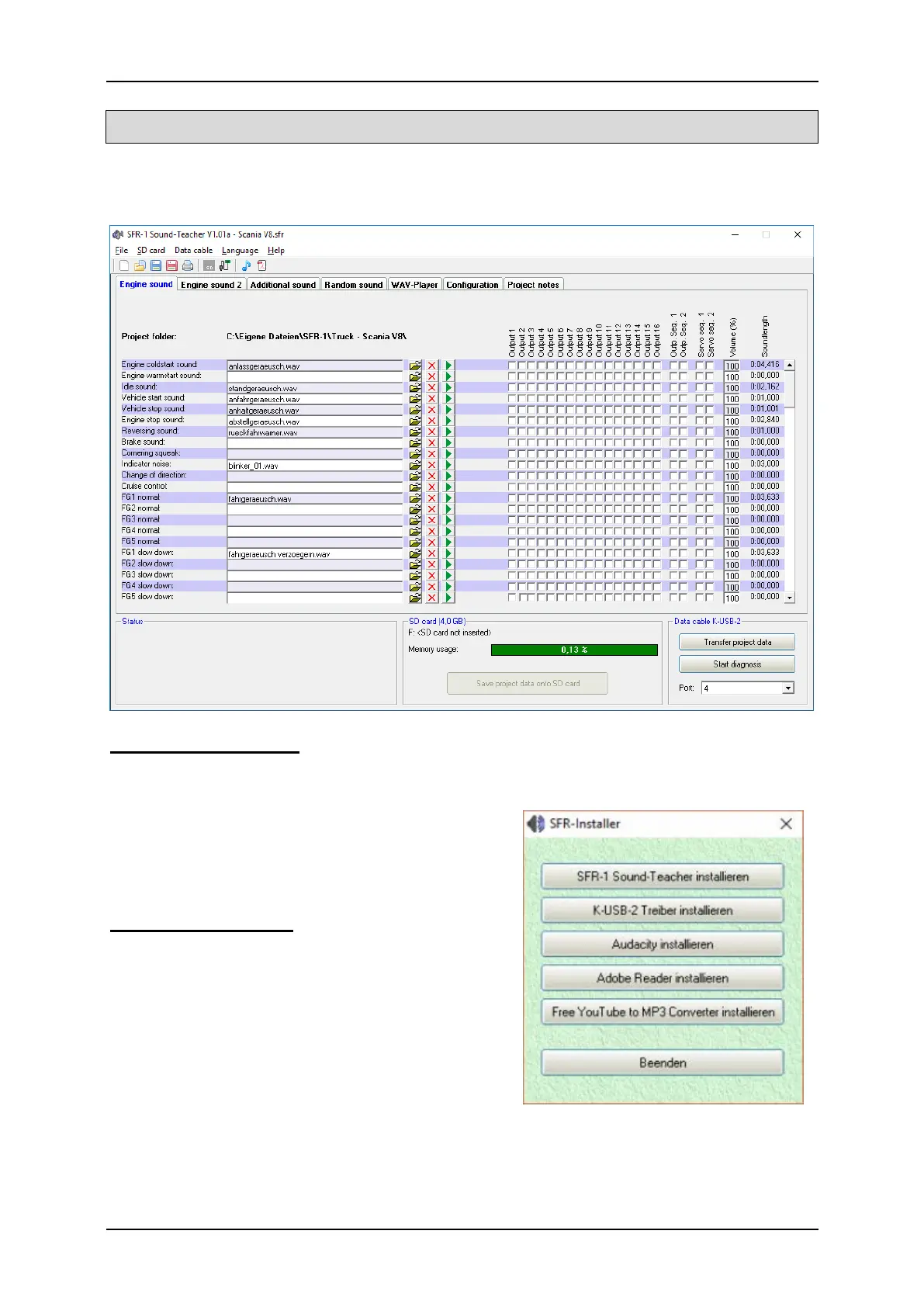
PC software „SFR-1 Sound-Teacher“
With our software „SFR-1 Sound-Teacher“ the module can be configured and sound
files can be tranfered to the SD-card.
System requirements
• Windows compatible PC
• Windows 2000, NT, XP, Vista, Windows 7, Windows 8 or Windows 10
• about 20 MB of free HD space
• SD-cardreader or a free USB interface
(1.0, 1.1, 2.0 or 3.0)
• DVD-ROM drive
Software installation
In most cases the “SFR-Installer” starts
automatically when you insert the DVD-ROM.
If this does not occur, please start the file
„SFR-Installer.exe" which is in the main folder
on the DVD-ROM.
To install the Sound-Teacher, click on the
„SFR-1 Sound-Teacher” button and follow the
further instructions on the screen.



 To Next Page