1-15
Different folders are needed for different pocket shapes (e.g. double/single
piping):
1. Open the locking (B) of the folder (A).
2. Pull the folder towards yourself and downwards to remove it.
3. Push in the new folder from the bottom side into the two attachments and
then push it forward.
4. Fix the locking (B).
4.1.9 Change interface roll
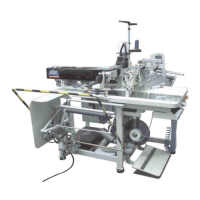
The interface roll is placed below the working plate and can be changed this
way:
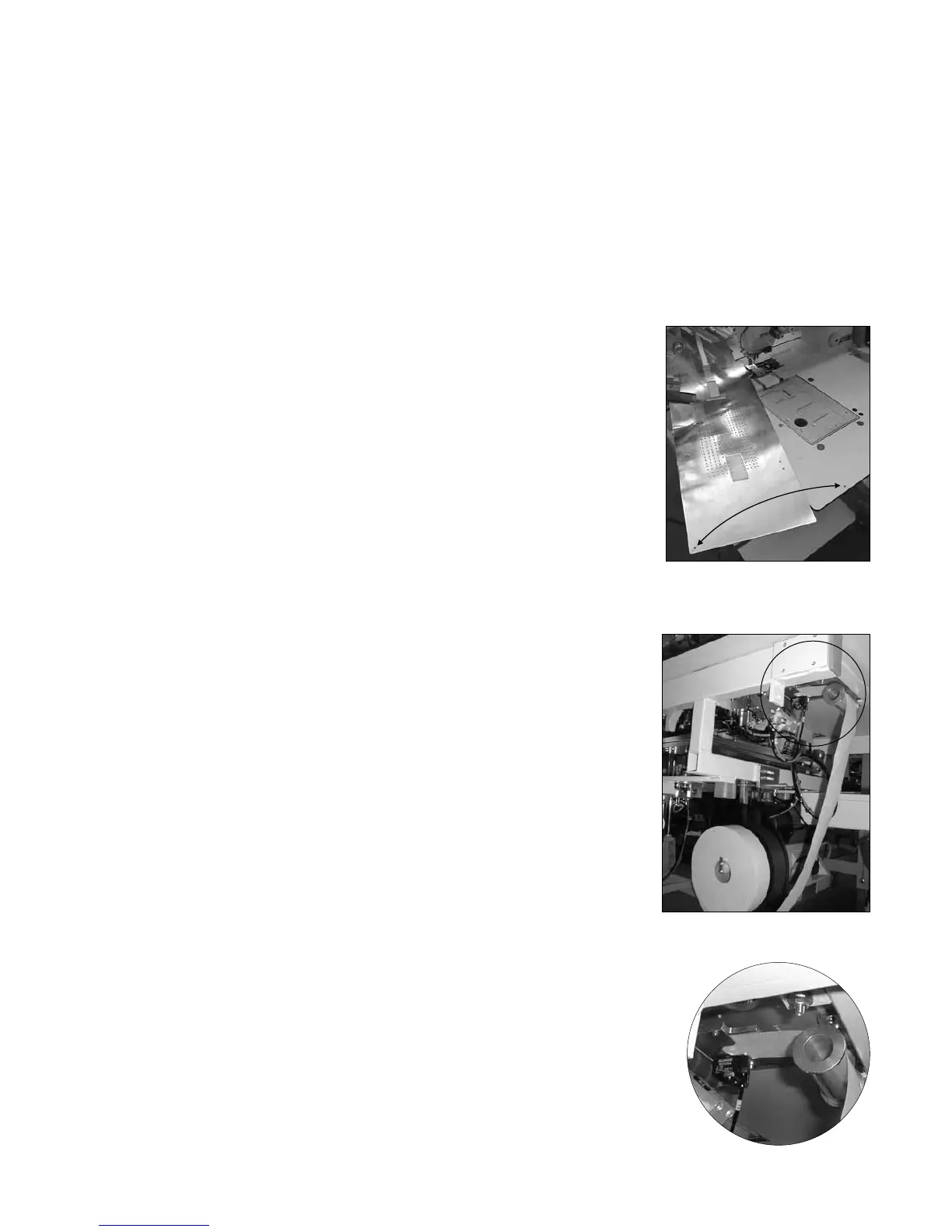
1. Lift the insertion plate at the front side and push it to the left.
2. Remove all rests of the interface in the machine.
3. Insert the new interface roll.
4. Insert the interface over the roll into the interface guiding.



 To Next Page