Installation BRS20/22/30/32/40/42/50/52
Release
12
01/2022
53
Fasten the wires in the terminal block by tightening the terminal
screws.
Mount the terminal block on the device using screws.
Supply voltage with characteristic value U
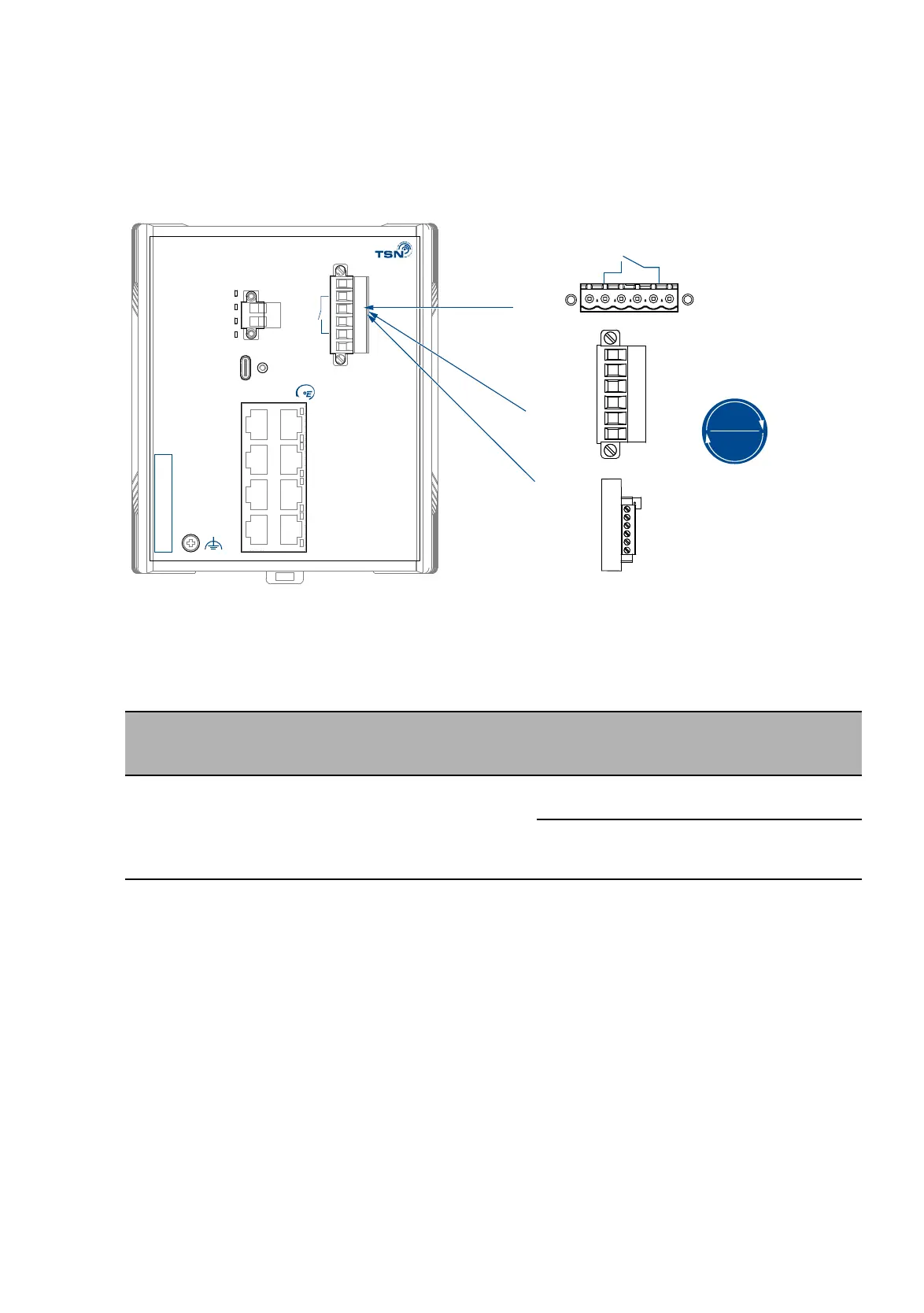
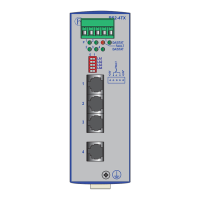
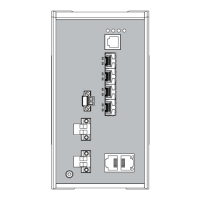
Figure 16: (1) DC voltage connection on the device, (2) terminal block mounted on
the device (front view), tightening torque, (3) terminal block mounted on
the device (view from above).
For the supply voltage to be connected, perform the following steps:
Remove the terminal connector from the device.
Connect the wires according to the pin assignment on the device with
the clamps.
Fasten the wires in the terminal block by tightening the terminal
screws.
Mount the terminal block on the device using screws.
Type of the voltages
that can be
connected
Specification of the supply
voltage
Pin assignment
DC voltage Rated voltage DC:
24 V DC
Voltage range DC incl.
maximum tolerances:
18 V DC ... 30 V DC
+24 V Plus terminal of the supply
voltage
0 V Minus terminal of the supply
voltage
Table 9: Supply voltage with characteristic value U: type and specification of the
supply voltage, pin assignment
ACA
PoE
Status
Power
IP-ADDRESS
USB
z
P
0V 0V+24V(P2) +24V(P1)
RELAY
z
Input
+
-
1
3
2
4
5
6
7
8
+24 V(P1) +24 V(P2)
0 V 0 V
1
2
3
4.4 lb-in
0.5 Nm
RELAY



 To Next Page