24
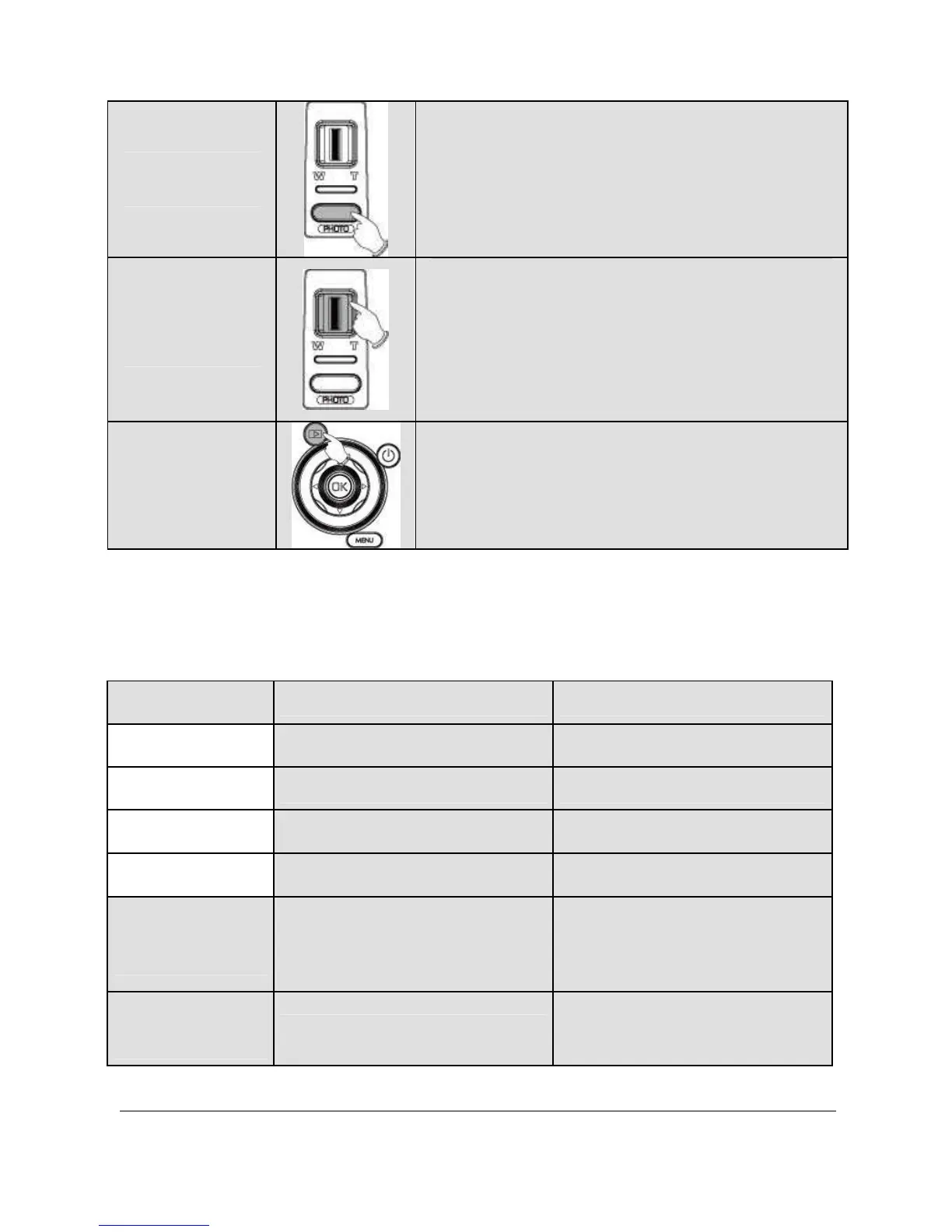
Shutter
Button
To take images.
Zoom
Button
This Digital Video Camera is
equipped with 10X Optical Zoom:
press the button Right (T) to pull in
the distance of the subject, or press
the button Left (W) to move away
the distance from the object.
Playback
Button
To enter Playback mode.
2.6 About LED Indicators
Below table describes the meaning of the camera LED indicators:
Indicator Color Definition
Power
Green Turning power on.
Green blinking Flash is charging.
Recording
Green blinking Recording
Self-timer
Red blinking Start of Self-timer.
Battery
charging
Green
The battery is charging
(will take about 3.5
hours to complete).
Battery
charging
Off
Battery charging is
complete.



 To Next Page