70
8 Installing the Software
1. Place the attached CD ROM into the CD player.
2. If the CD does not execute automatically, please use
Windows File Manager to execute the Install_CD.exe file
in the CD.
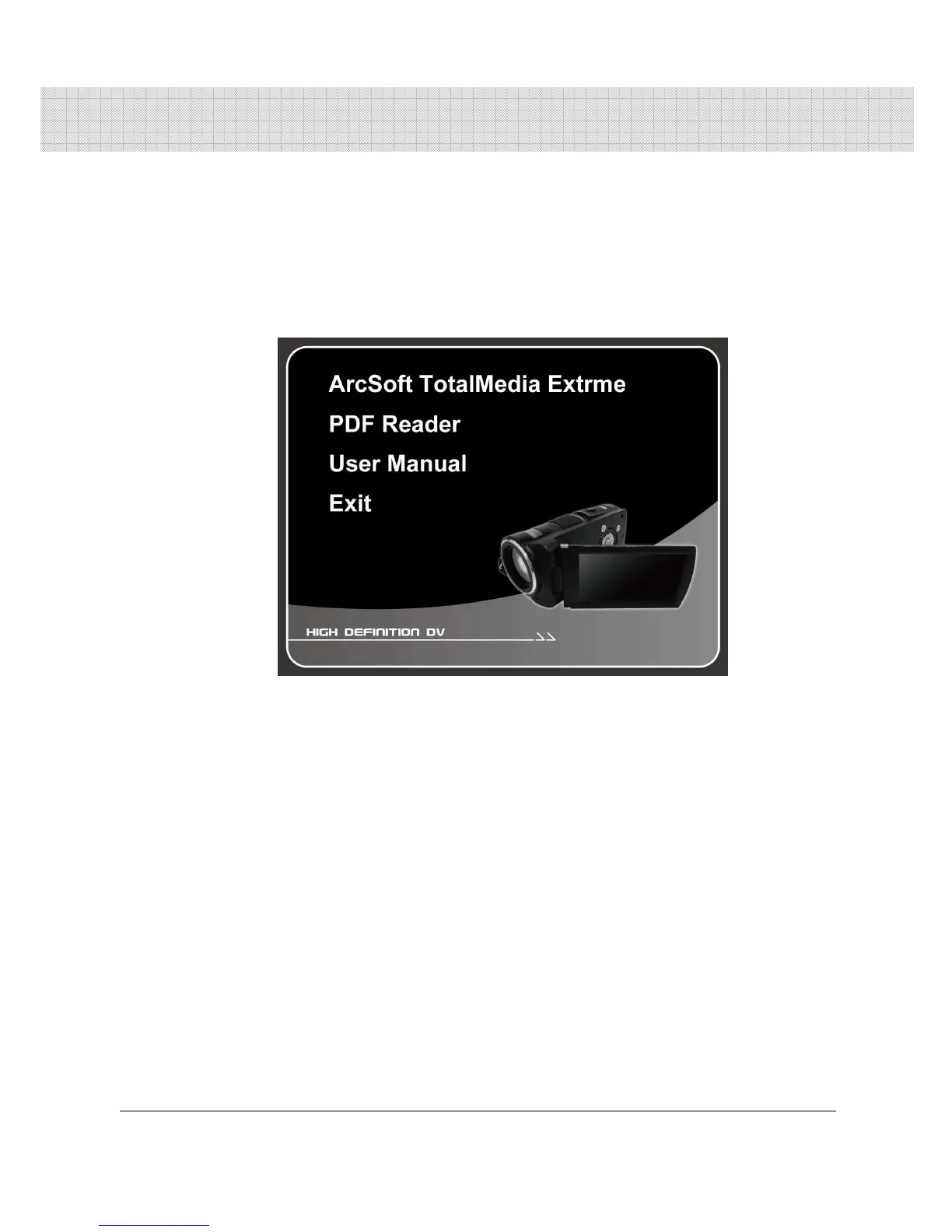
The following screen will be shown up.
3. Press the [Menu] item to start the installation process
according to the instructions on-screen.



 To Next Page