55
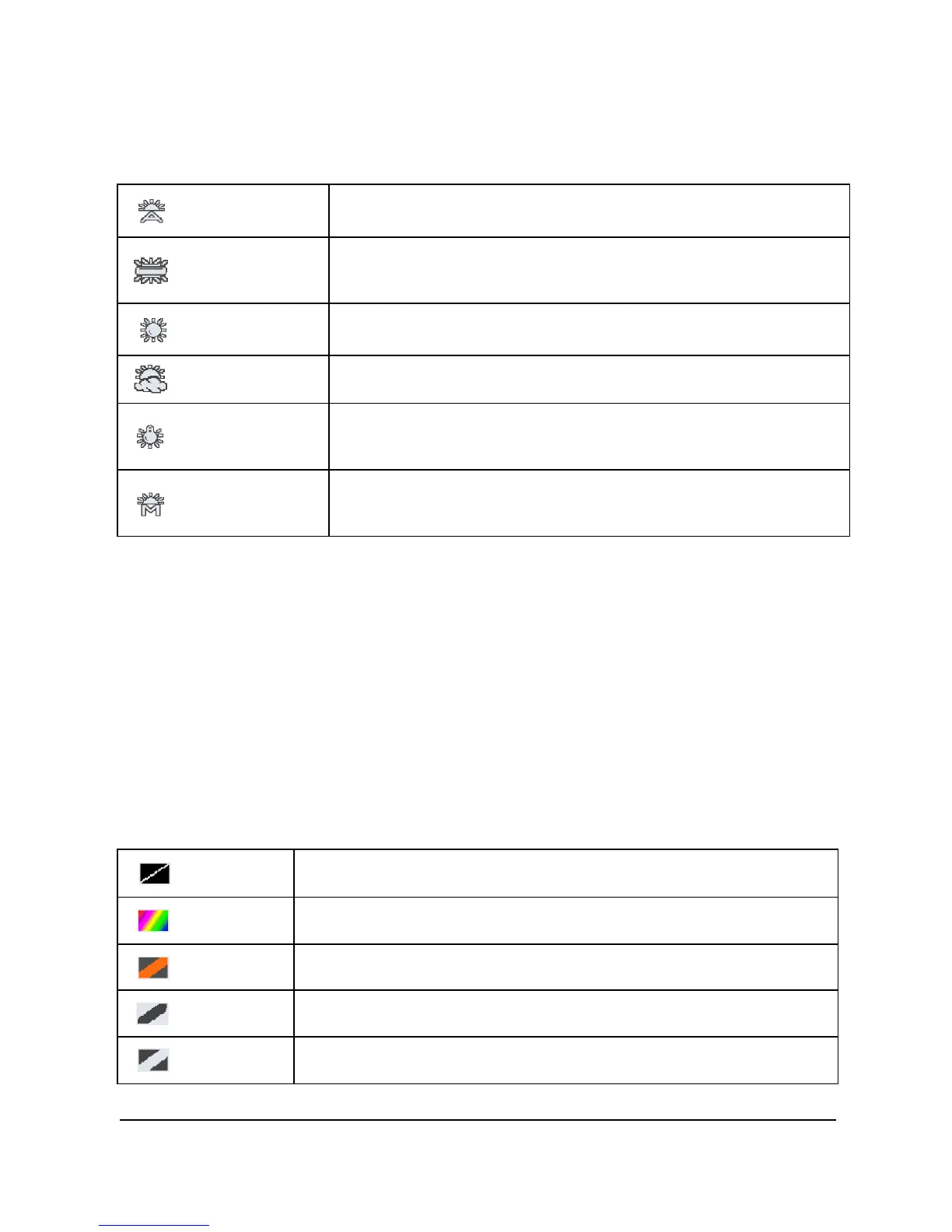
3. Press [4-way Direction] Button to select [Auto], [Incandescent],
[Daylight], [Cloudy], [Fluorescent], or [Preset]. Press OK Button
or touch the screen to confirm.
Auto
Automatic white balance adjustment.
Incandescent
The setting is suitable for Incandescent lamp lighting,
or environments with dark light.
Daylight For daylight recording.
Cloudy
For cloudy or shady environments.
Fluorescent
For fluorescent lamp lighting, or environments with
bright light.
Preset
Preset on a plain white background for more realistic
white balance value.
6.3.8 Effect
1. Turn [On] the Digital Video Camera and ensure it is in the [DSC]
mode.
2. Press [MENU] Button and press [4-way Direction] Button to
select the [Effect] item. Press OK Button or click the screen to
display submenu.
3. Press [4-way Direction] Button to select [Normal], [Art], [Sepia],
[Negative], [B/W (Black/White)], or [Vivid]. Press OK Button to
confirm; or touch the screen to select the item.
Normal
Images with nature color.
Art
Images with oil painting color.
Sepia Images with sepia-toned color.
Negative
Images with negative color.
B/W Images with black/white color.



 To Next Page