59
6.4 Menu Options of Photo Playback
6.4.1 File Protection
1. Turn [On] the Digital Video Camera and ensure it is in the
[Playback] mode.
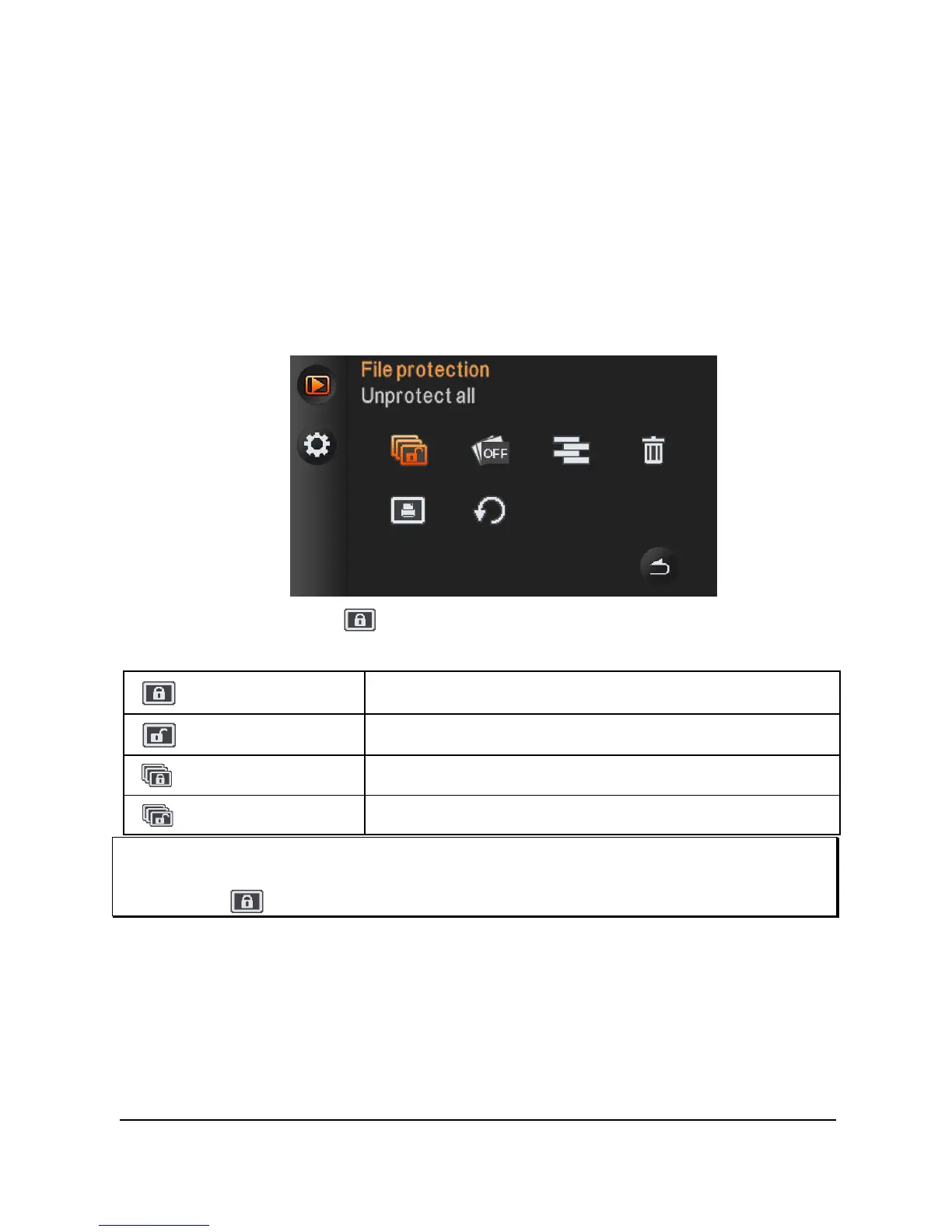
2. Press [MENU] Button and press [4-way Direction] Button to
select the [File Protection] item; press OK Button or touch the
screen to display submenu.
3. The locked icon
will be shown to indicate the file is under
protection.
Protect One
Protect one file.
Unprotect One
Unprotect one file.
Protect All
Protect all files.
Unprotect All
Unprotect all files.
Note:
Repeat above-mentioned steps to unlock the file. When the file is unlocked, the
locked icon
will disappear.
6.4.2 Slide Show Setting
1. Turn [On] the Digital Video Camera and make sure it is in the
[DSC] mode.



 To Next Page