62
6.5 Setting Menu
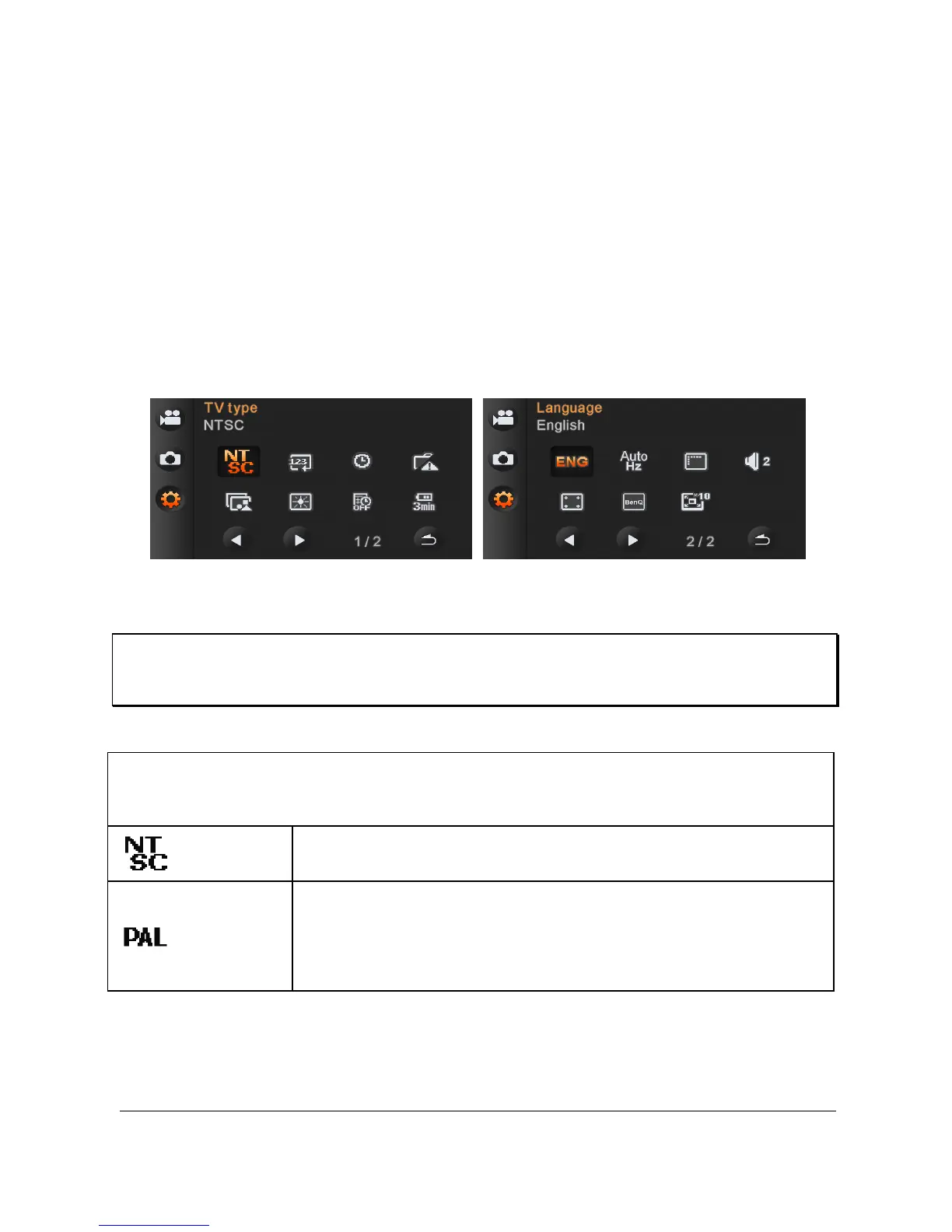
Setting Menu can be applied on all kinds of the Digital Video
Camera settings.
6.5.1 TV Type
1. Power [On] the Digital Video Camera and switch to [Setting]
mode.
2. Press [4-way Direction] Button to select the [TV Type] item.
Press OK Button or touch the panel to display submenu.
3. Use [4-way Direction] Button to choose [NTSC] or [PAL], then
press OK Button or touch the screen to confirm.
Note:
The video resolution will be different due to various TV Type settings.
Setting reference of TV type based on the following
country/region
NTSC America, Canada, Japan, Korea, Mexico, Taiwan
PAL
Australia, Austria, Belgium, China, Denmark,
Finland, Germany, UK, Italy, Kuwait, Malaysia,
New Zealand, Singapore, Spain, Sweden,
Switzerland, Thailand, Norway



 To Next Page