34
6. Capture the image from movie clip playback.
Press [Shutter] Button in replaying the movie clip.
The Digital Video Camera will store captured still images
automatically in the image size (resolution) you select (1920 x 1080,
1280 x 720, 848 x 480, or 432 x 240).
4.6 Shooting / Playback Photos
4.6.1 Shooting Photos
1. Turn [On] the power and adjust the [Mode] Button to [DSC]
Mode.
2. Press [Shutter] Button to capture images which will be stored
automatically.
4.6.2 Playback Photos
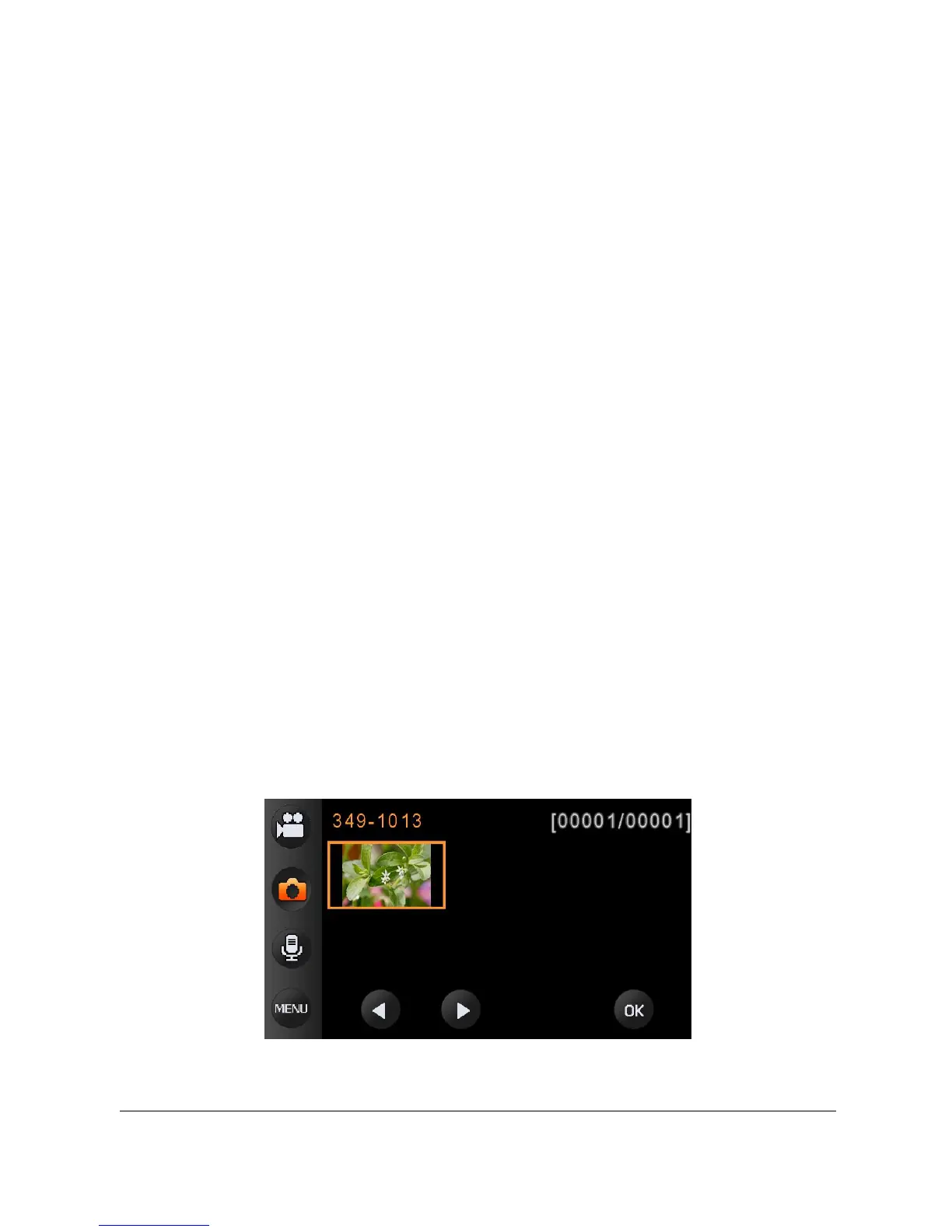
1. In [DSC] Mode, press [Playback] Button to display the images
on the LCD screen.
2. Press [4-Way Direction] Button up/down or left/right to view the
stored files. Press OK Button or touch the screen to playback
the image.



 To Next Page