65
3. Use [4-way Direction] Button to choose [Off], [3 min], or [5 min].
Press OK Button or touch the screen to confirm the setting.
6.5.9 Language
Please refer to chapter 2.7.2 “Setting Time/Date and Language.”
1. Turn [On] the Digital Video Camera and switch to [Setting] mode.
Move [4-way Direction] Button left/right to select the [Language]
item, and press OK Button or click the screen to confirm.
2. Press [4-way Direction] Button/touch the screen to select the
following languages: English, Deutsch, French, Spanish, Italian,
Japanese, Portuguese, Traditional Chinese, Simplified Chinese,
Turkish, Russian, Thai, Arabian, and Korean.
6.5.10 Flicker
Use this setting to adjust the frequency system which corresponds
to your local area.
1. Turn [On] the Digital Video Camera and switch to [Setting]
mode.
2. Press [4-way Direction] Button to select the [Flicker] item, press
OK Button or touch the screen to display submenu.
3. Press [4-way Direction] Button/touch the screen to select [Auto],
[60Hz], or [50Hz]. Press OK Button or touch the screen to
confirm.
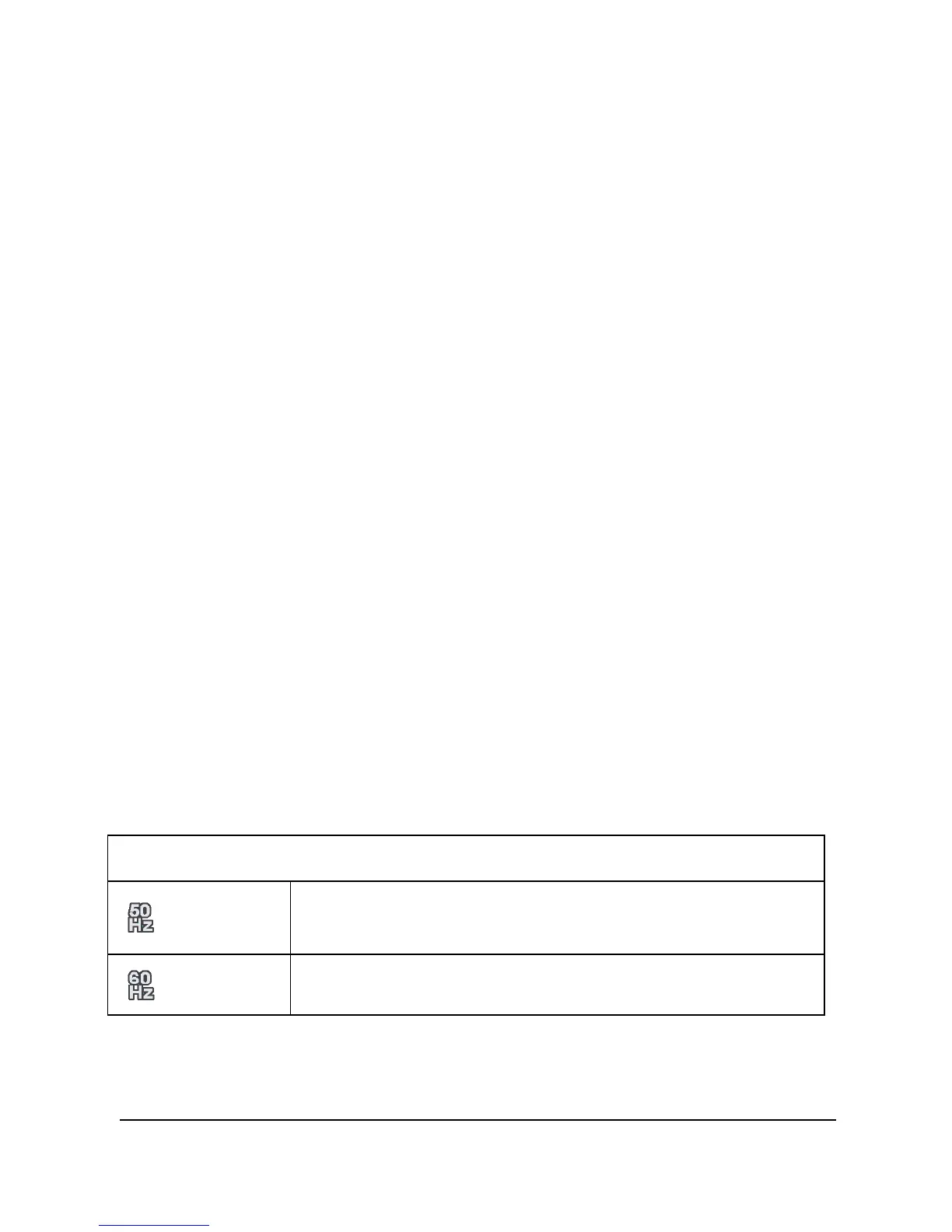
Reference of frequency setting
50HZ
UK, Germany, Spain, Italy, France, Netherlands,
Portugal, Russia, China, Japan
60HZ USA, Taiwan, Korea, Japan



 To Next Page