26
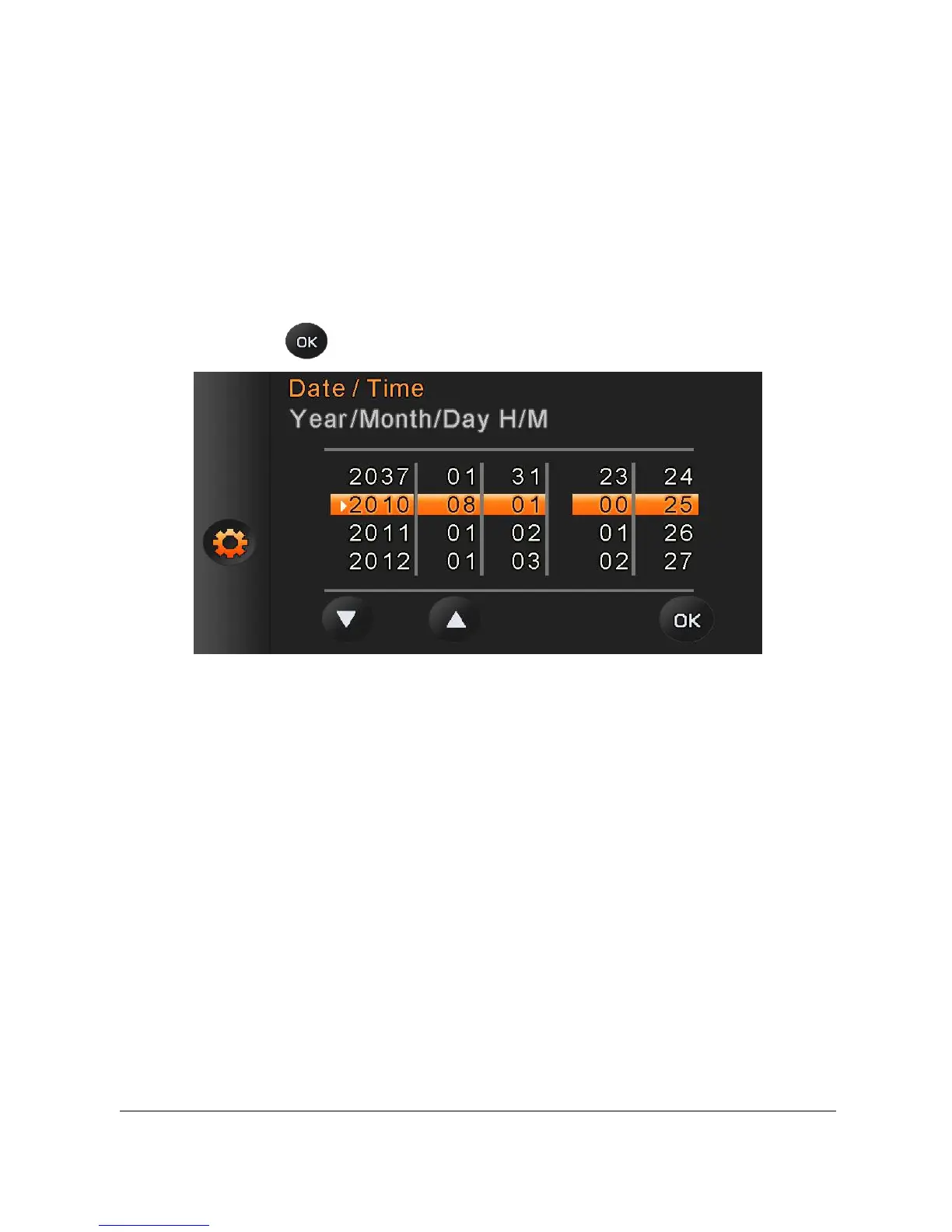
2.7.2 Setting Date and Time
1.
Turn [On] the Digital Video Camera to set up the date and time
for the first time. Set the date and time by moving up/down
button or touch the screen to select.
2. Press the [4-Way Direction] Button up/right to select each
column. Then press left/down or touch the screen to select a
value.
3. Press .



 To Next Page