32
4.5 Movie Clip / Voice Clip Playback
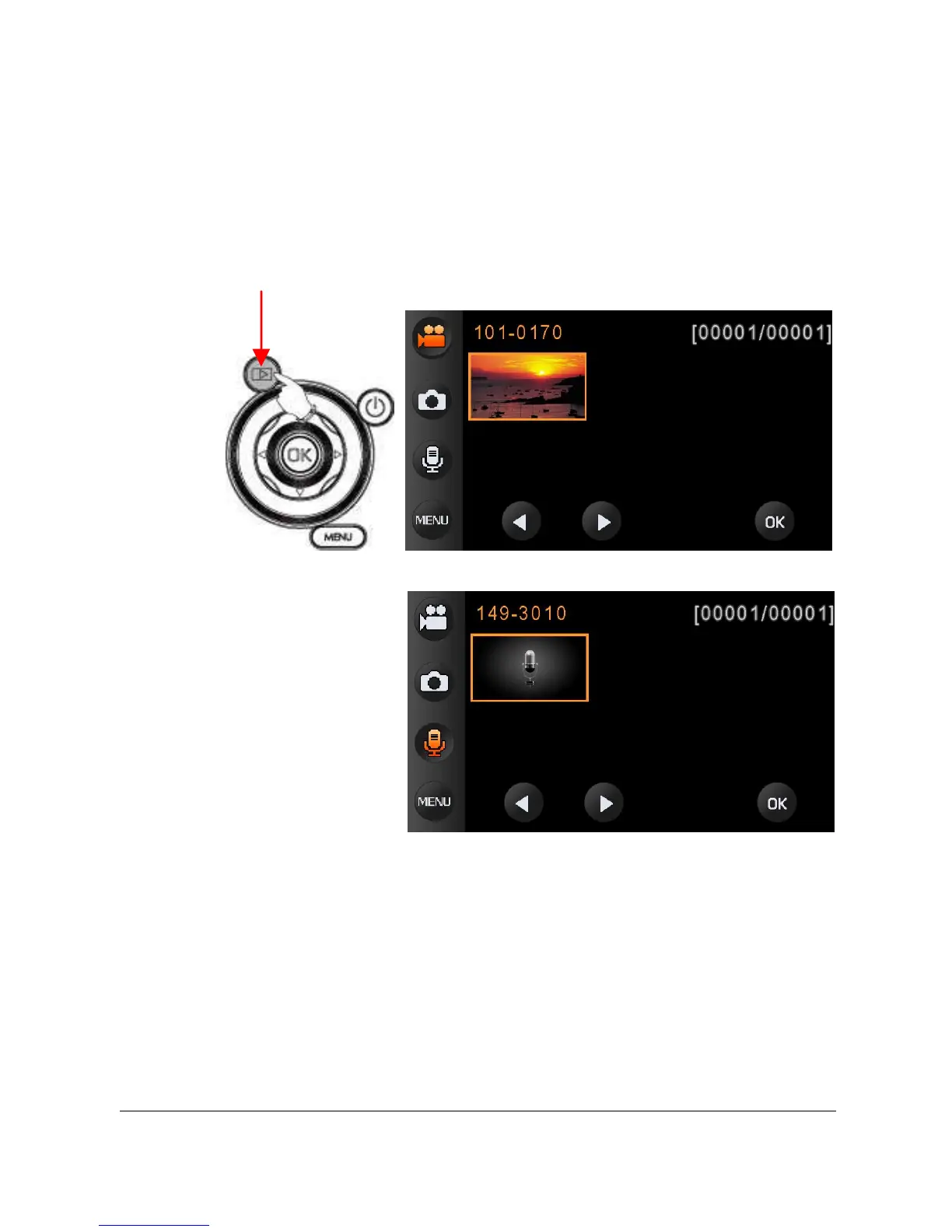
1. In [DV]/ [DSC]/ [Voice Recording] Recording Mode, press
[Playback] Button to display recently stored files on the LCD
screen.
Movie clip playback mode
Voice clip playback mode
2. Press [4-Way Direction] Button up/down, left/right to view stored
files. Press OK Button to playback or touch the screen to select
Playback of the file.
Playback



 To Next Page