40
6 Menu Options
Please read this chapter to understand the settings and advanced
operations of this Digital Video Camera.
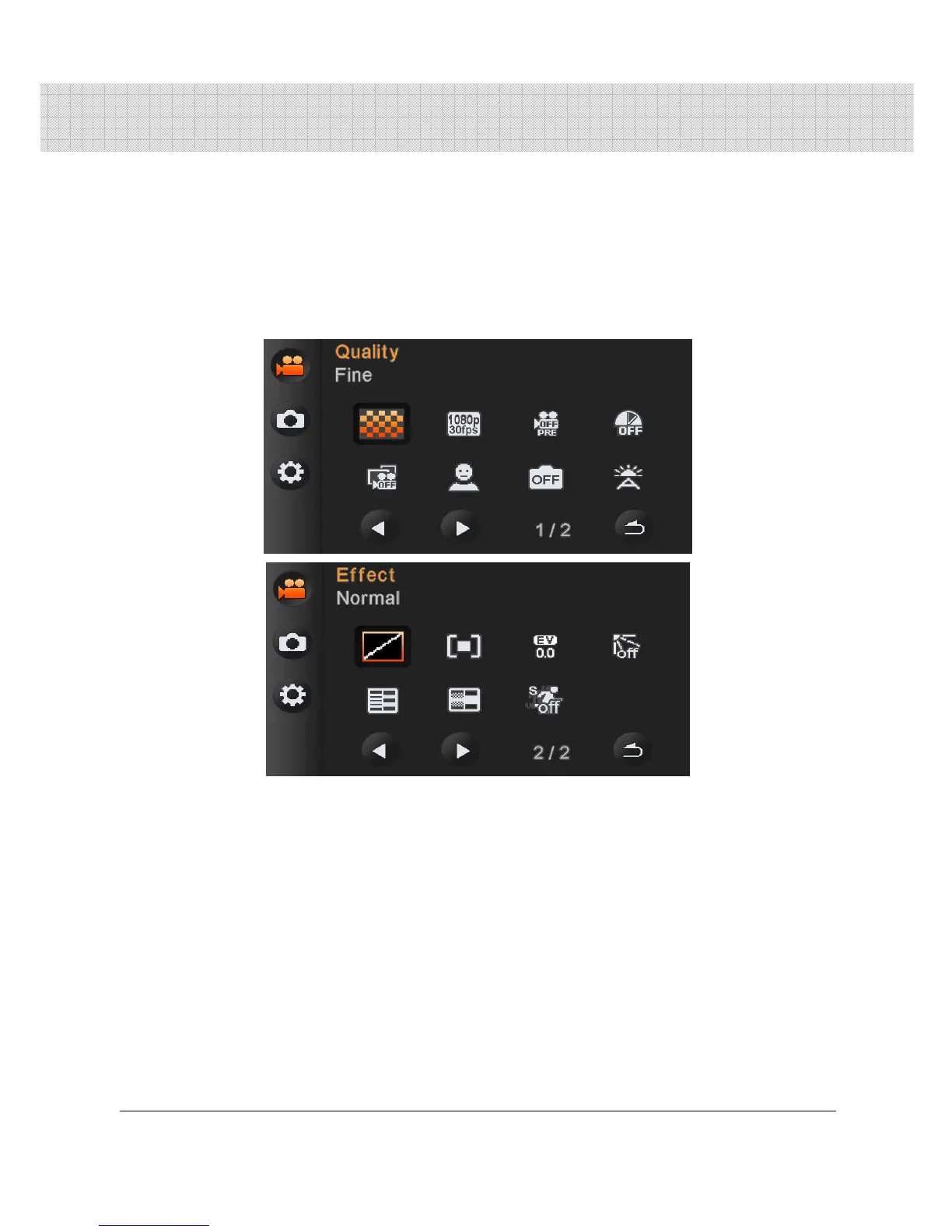
6.1 Menus of Movie Clip Mode
Press [MENU] button to display menu options of movie clip under
the [DV] mode.
6.1.1 Quality
1. Turn [On] the Digital Video Camera and ensure it is in the [DV]
mode.
2. Press [MENU] Button and press [4-way Direction] Button to
select the [Quality] item. Press OK Button to display submenu;
or touch the screen to select the item.
3. Press [4-way Direction] Button to select [Super Fine], [Fine], or
[Normal]. Press OK Button or touch the screen to confirm the
setting.



 To Next Page