Operation
59
ii. Projectors linked in the LAN will be found. Then select the projector you want
to link.
iii. Click “Connect”. Then you should be able to see the image on projector.
iv. You can click to disconnect all connected projectors..
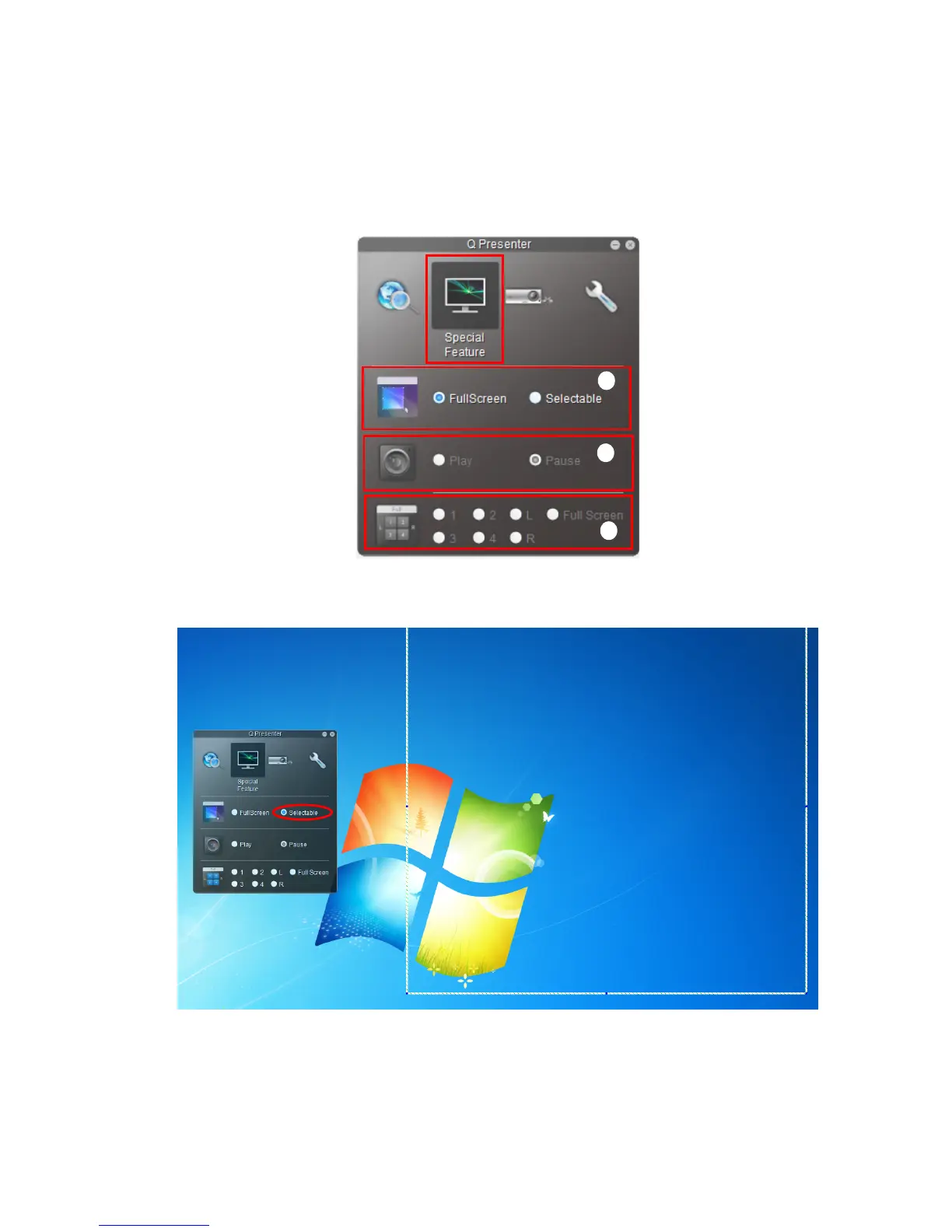
The Special Feature page allows you to have some advanced functions to manage the
display image on your projector.
i. Full Screen: whole image display on the projector. Selectable: a square will pop-
up then you can move and drag the area you want to show the audience.
ii. You can select to Play/Pause displaying desktop contents to connected network
display.
iii. 4-1 Display (up to 4 computers can shoot to 1 projector at the same time). Click
the location you want to display. 4locations can be chosen (1-4) or 2 places (L
and R) if it’s 2 computers. Once you click the place you want to display, the image
i
ii
iii



 To Next Page