Menu operations 43
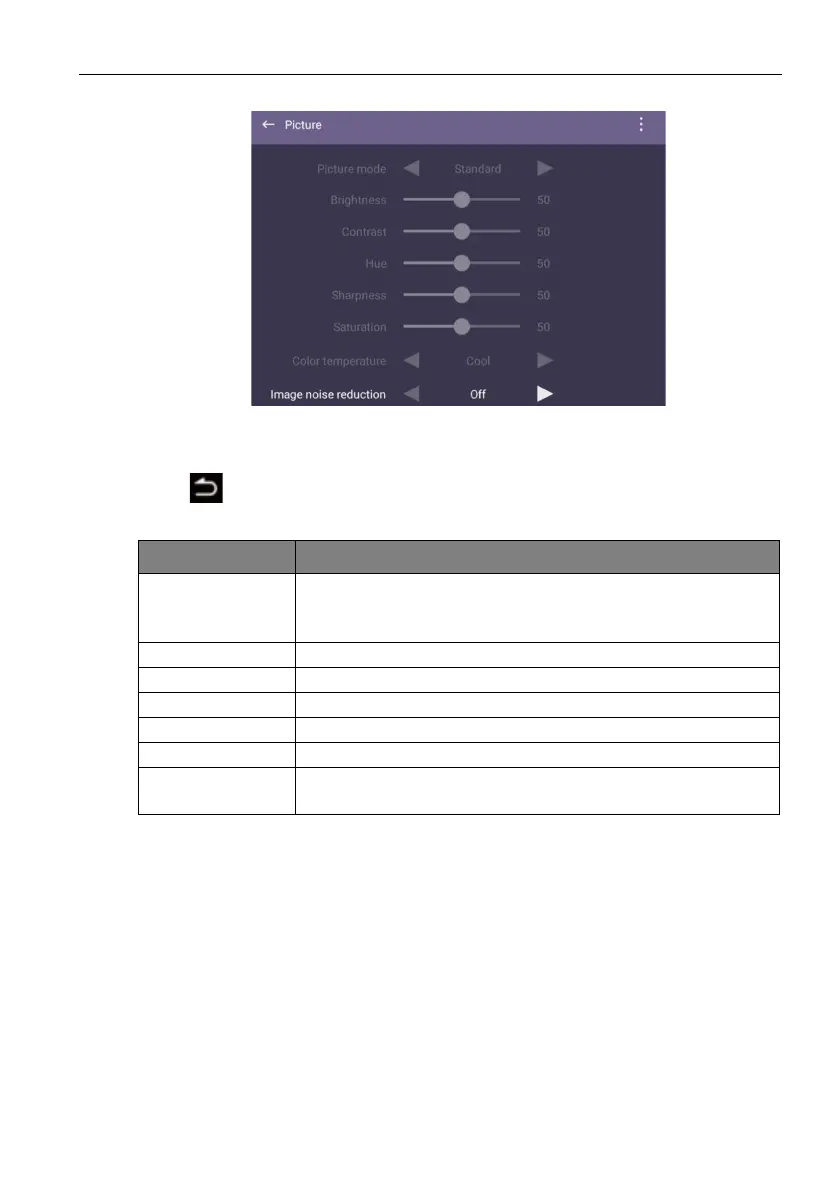
Picture settings
• Press /// on the remote control and press OK to confirm or directly click an
item.
• Press
on the remote control or click a blank area outside the menu to exit the
menu.
Menu Description
Picture Mode Press ///on the remote control or click a picture mode.
Options are Eco, Standard, Bright, Soft, Custom 1,
Custom 2, and Custom 3.
Brightness Users could only adjust Brightness under external source.
Contrast Users could only adjust Contrast under external source.
Hue Users could only adjust Hue under external source.
Sharpness Users could only adjust Sharpness under external source.
Saturation Users could only adjust Saturation under external source.
Color
Temperature
Users could only adjust Color Temperature under external
source.



 To Next Page